Tetris
Fit the tetrominoes together, complete lines and take on the levels of Tetris on Sinclair QL.
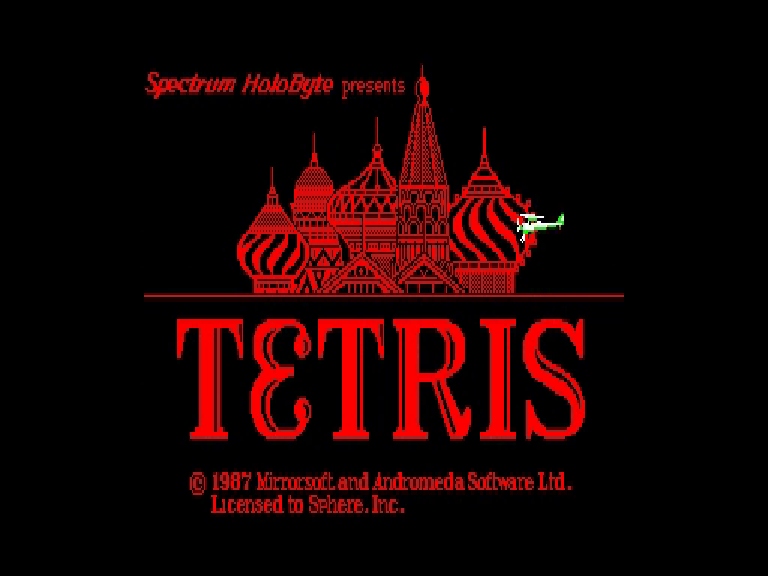
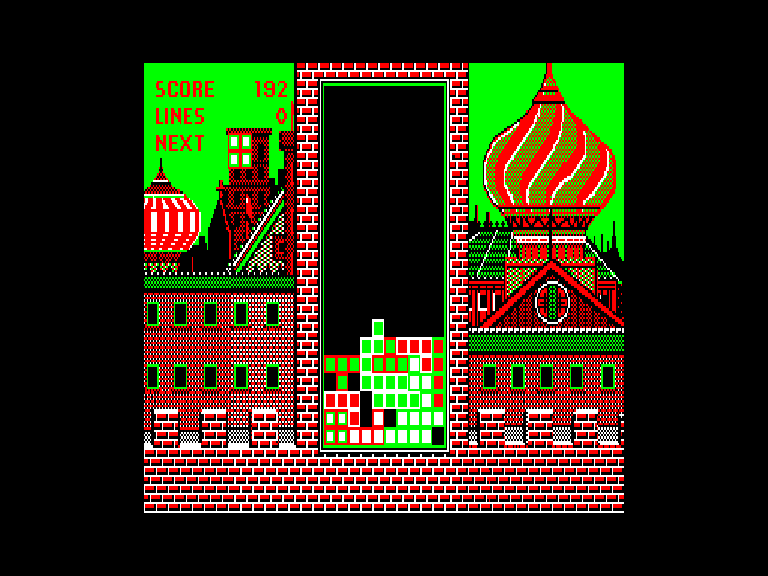
Screens taken from real captures of the QL version running in the sQLux emulator, presented in 4:3 proportions.
The QL edition
A native C/68000 port of DOS CGA Tetris, with its introduction, difficulty levels, backgrounds and high-score table. Graphics use QL MODE 4, with the original 320×200 picture centred.
Computer: Sinclair QL
Graphics: MODE 4
RAM: 640 KiB
Included files: Tetris.img and Tetris.mdv
High scores require writable media: enter your name and confirm with Enter. Keep the tetris_hi file on the disk or cartridge. Persistence was verified on IMG; MDV writing was not tested in the emulator setup.
Loading and controls
Floppy: mount Tetris.img as flp1_ and run LRUN flp1_boot. Microdrive: insert Tetris.mdv in mdv1_ and run LRUN mdv1_boot.
Confirm with Enter, Space or fire; choose the level and then the starting height. O/P or left/right arrows move the piece; Q or Up rotates; A or Down speeds up the descent; Space drops it immediately.
ESC pauses/resumes; while paused, R returns to the menu. S toggles effects, H shows help and N/M toggles the next-piece preview. QL joysticks 1 and 2 are supported.