Xenon 2 Megablast
Pilot your craft through the enemies and vertically scrolling landscapes of Xenon 2 Megablast, in the Outsoftware edition for Sinclair QL. One ZIP includes the floppy version and the files for a WIN1 hard disk.
Sinclair QL · IMG + WIN1 files · ZIP
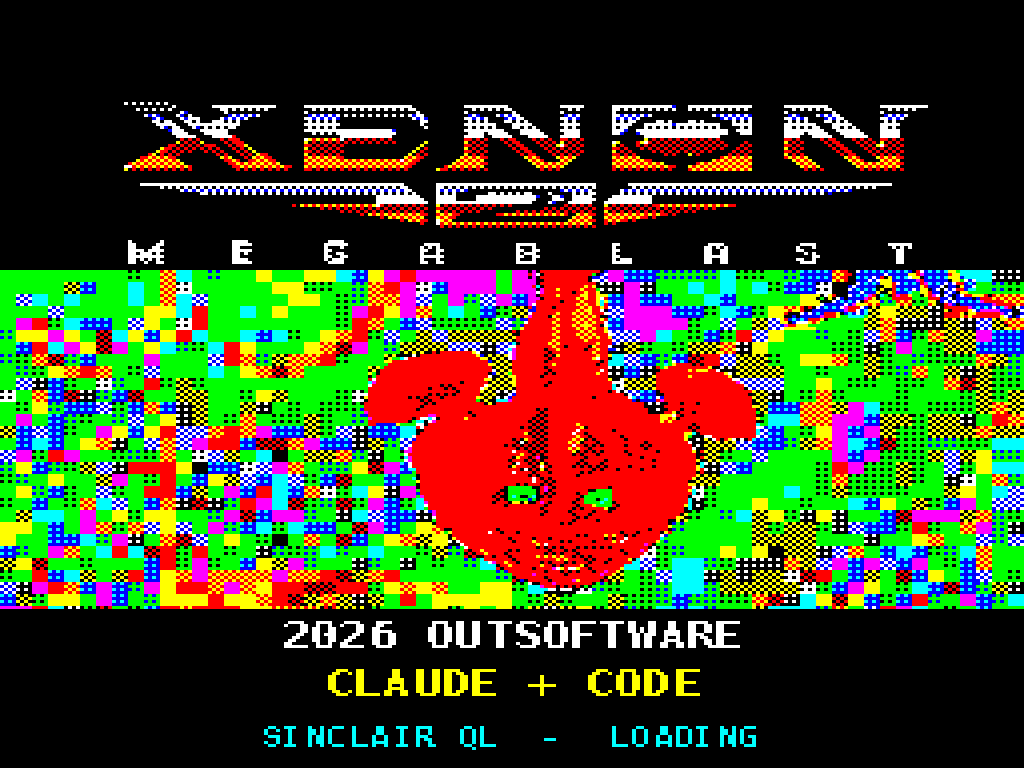
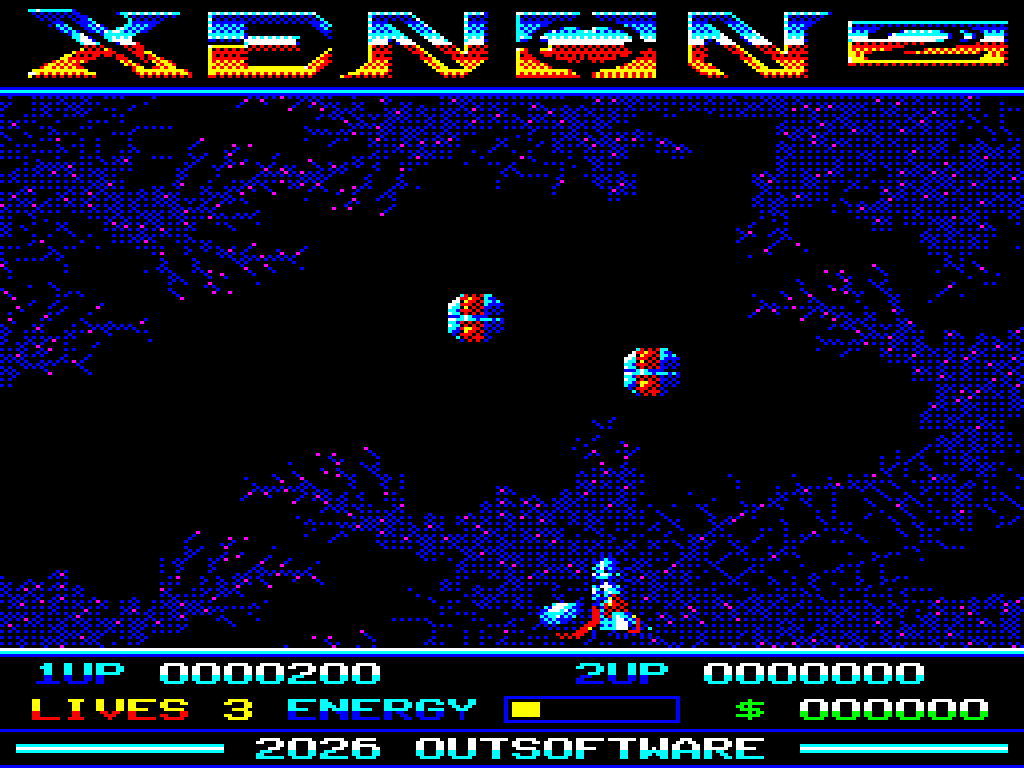
Screens captured from the supplied QL edition, presented in 4:3 proportions.
Edition details
Computer: Sinclair QL
Edition: version 6, 17 November 2026
Graphics: Mode 8
Memory: 640 KiB for all five levels, according to the included notes; startup and gameplay verified with this configuration.
With approximately 768 KiB or more, the cache avoids reloading the level graphics after the shop. With 512 KiB total, only level 1 is available, loaded in parts and without the shop, as described in the included instructions.
Included versions
| Version | File | Contents |
|---|---|---|
| Floppy | Xenon_2.img | 720 KiB QDOS disk image |
| WIN1 hard disk | Xenon_2.zip | File archive containing the xenon2_win1 folder |
The WIN1 ZIP contains files to copy to a hard disk; it is not a .WIN image. Full instructions are in the included LEGGIMI.txt.
Startup and controls
From floppy: mount Xenon_2.img as flp1_ and run LRUN flp1_boot.
From a hard disk: extract the inner Xenon_2.zip, copy every file from the xenon2_win1 folder to the root of win1_, then run LRUN win1_boot. These are ordinary files; no QDOS headers or toolkit are required.
To use a subdirectory, change only the first line of boot: for example d$="win1_xenon2_", then start with LRUN win1_xenon2_boot.
Press a key to leave the presentation and reach the menu. Space starts with the keyboard or a joystick in CTL1; F5 in the menu selects a joystick in CTL2.
Cursor keys or Q / A / O / P: movement.
Space: fire.
Enter: dive.
Esc: menu / exit to QDOS.
Credits
Original game: The Bitmap Brothers / Image Works
Original graphics: Mark Coleman
Sinclair QL edition: Outsoftware, 2026
Conversion credits: Claude + Code, as displayed on the loading screen and menu.