Wolfenstein 3D
Explore the corridors of Wolfenstein 3D in its Sinclair QL edition. The package includes floppy images and the hard disk version.
Sinclair QL · IMG + HDD
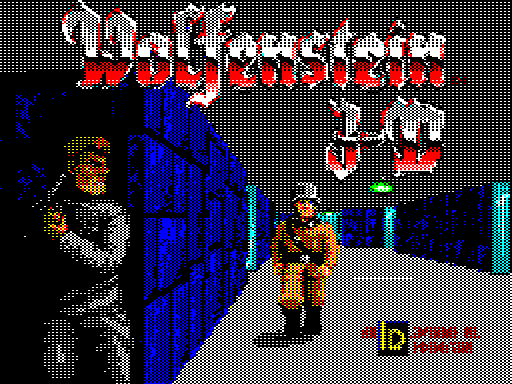
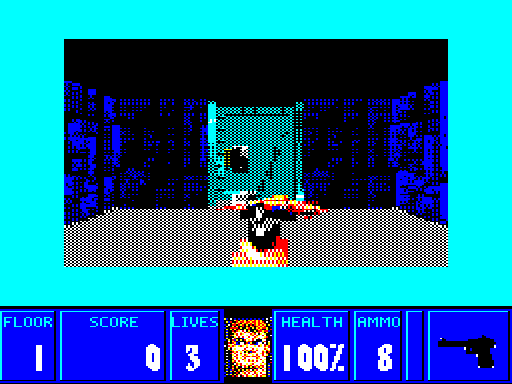
Screenshots from the Sinclair QL edition, presented in 4:3 proportions.
Edition details
Computer: Sinclair QL
Verified configuration: 896 KB total RAM, required by the loader · MODE 8
Format: IMG + HDD
Included files
The ZIP contains IMG disk images and Wolfenstein_3D (HDD).zip, with the files for the WIN1 hard disk device.
Starting the game
Floppy: mount Wolfenstein_3D (Disc 1).img as flp1_ and run LRUN flp1_boot.
Hard disk: extract the HDD ZIP into the directory assigned to win1_ and run LRUN win1_boot. Wait for the introduction and the title screen. At the title screen, press Return, choose New Game, then select the episode and difficulty.
Controls
Movement: Q, A, O, P or arrow keys.
Fire: Space.
Open doors: Return.
Weapons: 1–4.
Menu: Esc. In the menus, use the arrow keys and Return to select.
Credits
Original game: id Software.
Sinclair QL edition: Outsoftware, 2026.