Shanghai
Match the free tiles and clear the board: Shanghai joins the Outsoftware collection for Sinclair QL.
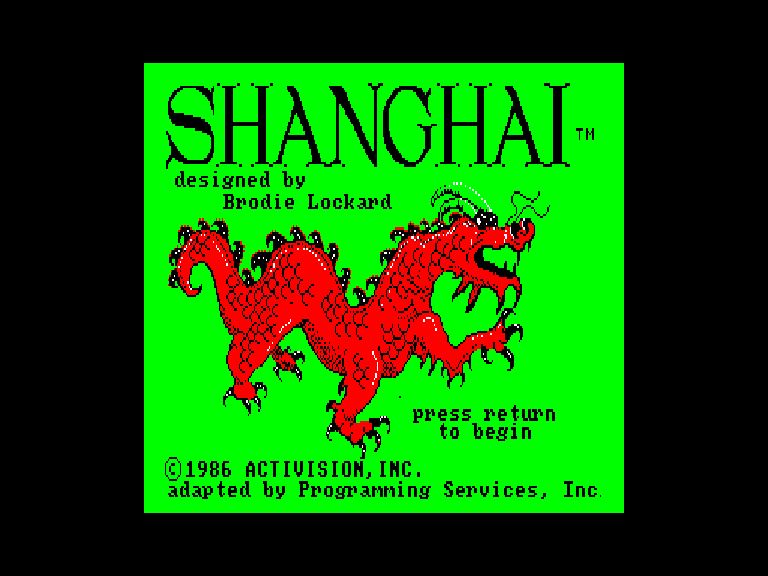
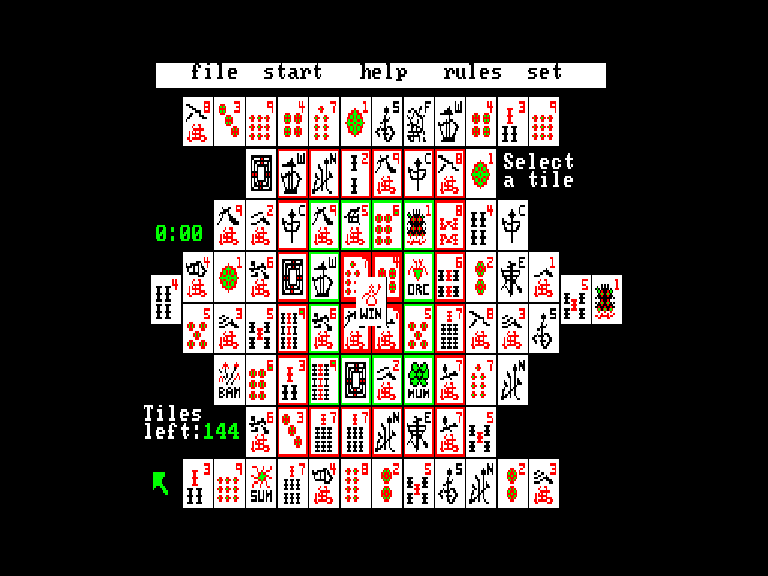
Screens taken from real captures of the QL version running in the sQLux emulator, presented in 4:3 proportions.
The QL edition
A native C/68000 port of DOS Shanghai, with the illustrated title and tile-matching game. Includes Solitaire, Tournament and Challenge options, hints, undo and saved games. The 320×200 picture uses QL MODE 4.
Computer: Sinclair QL
Graphics: MODE 4
RAM: 640 KiB
Included files: Shanghai.img and Shanghai.mdv
In the File menu, Save / Save as / Recall save and restore a game. Drive selects AUTO, FLP1, FLP2, MDV1 or MDV2. Writable media are required; floppy persistence was verified, while MDV writing was not tested in the emulator setup.
Loading and controls
Floppy: mount Shanghai.img as flp1_ and run LRUN flp1_boot. Microdrive: insert Shanghai.mdv in mdv1_ and run LRUN mdv1_boot.
Press Enter on the title screen. Move the cursor with QAOP, arrow keys or QL joystick 1/2 and use Space/fire to select. Select two matching free tiles and confirm again to remove them; Enter deselects.
ESC opens or closes the menu without exiting to BASIC. U undoes the last move, H shows a possible pair and TAB changes cursor speed.