Shamus
The classic action maze joins the Outsoftware collection for Sinclair QL.
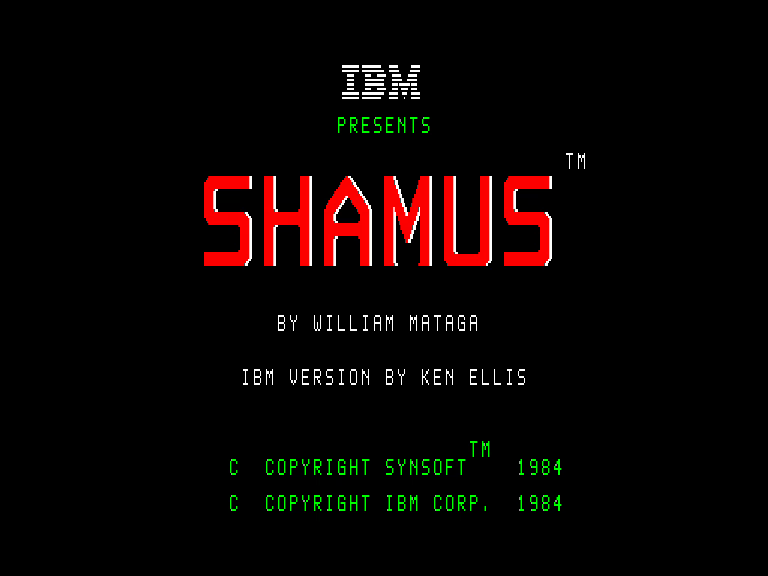
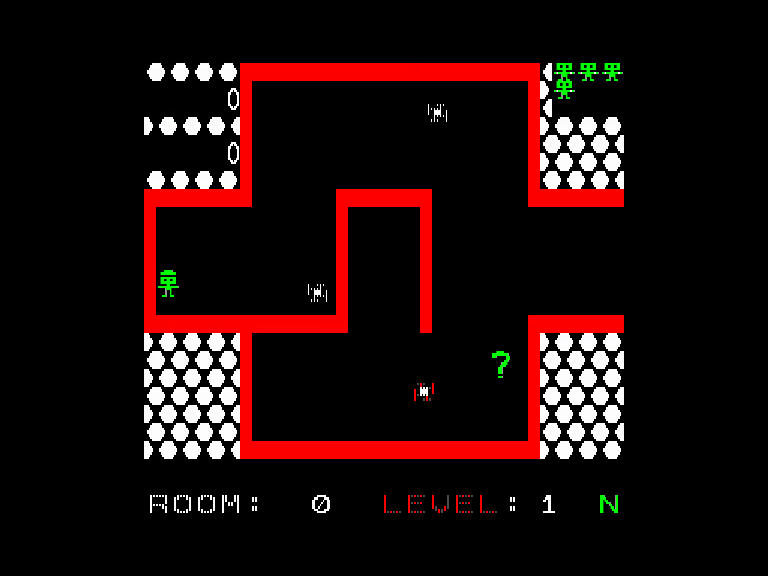
Both screens were captured from the QL build running in the emulator and are presented in 4:3 proportions.
The QL edition
The Outsoftware conversion uses QL MODE 4 and keeps the floppy image and microdrive cartridge together in the same package.
Computer: Sinclair QL
Graphics: Mode 4
RAM: 640 KiB
Included files: Shamus.img and Shamus.mdv
Loading and controls
Floppy: mount Shamus.img as flp1_ and run LRUN flp1_boot. Microdrive: insert Shamus.mdv in mdv1_ and run LRUN mdv1_boot. Requires 640 KiB RAM.
Press and release Space in the menus. K/J and N/A select the options. In game use QAOP or cursor keys + Space; joystick 1/2 + fire are also supported. ESC pauses/resumes, Ctrl+S toggles sound and Ctrl+R restarts.