Games / Sinclair ZX Spectrum 128K
Puzzle Bobble
Aim, launch bubbles and match at least three bubbles of the same colour to clear them. This edition of Puzzle Bobble for the Sinclair ZX Spectrum 128K uses the Nirvana+ multicolour engine. The download includes the classic single-player version and the VS version, with matches against the computer or a second player.
Sinclair ZX Spectrum 128K · Nirvana+ · 1P / VS 2P · TAP · MGT · MDR · OPD · DSK · TRD · KDI · ZIP
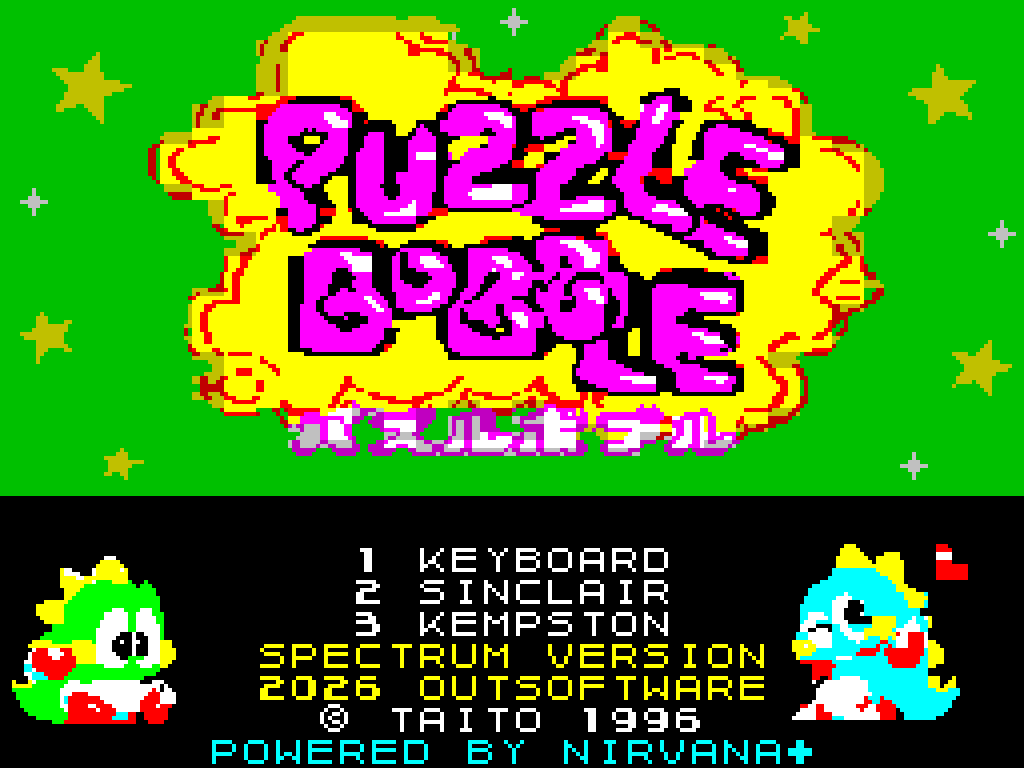
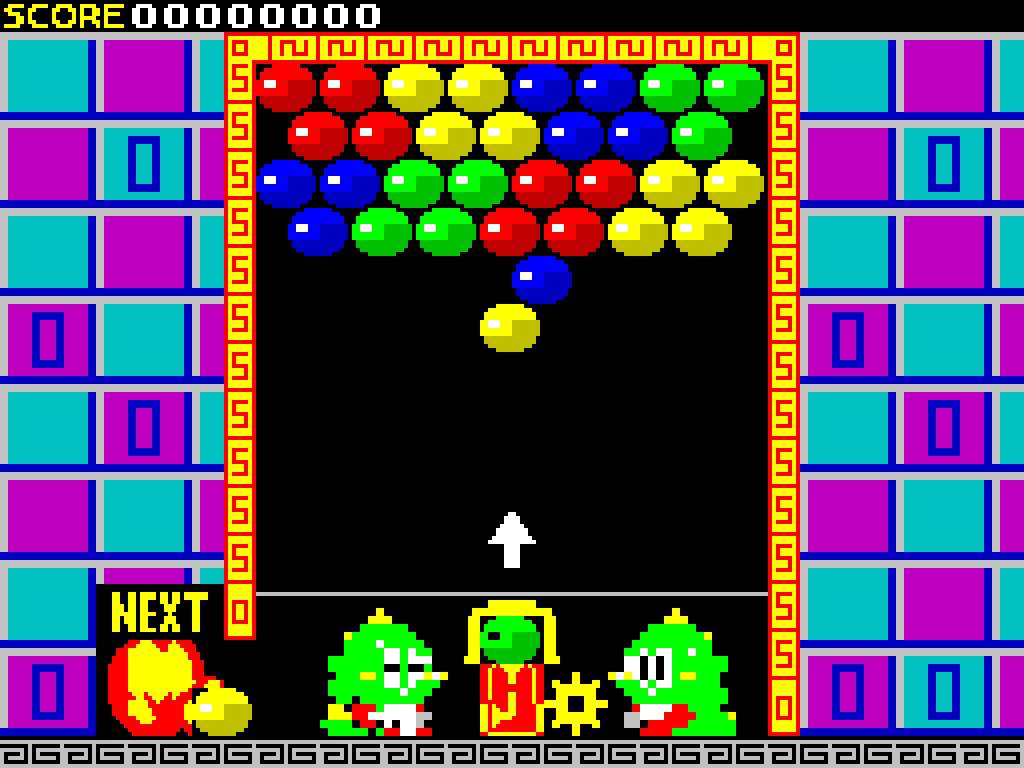
Screens captured from the edition available in the download, presented in the original 4:3 proportions.
Edition details
Computer: Sinclair ZX Spectrum 128K
Graphics: Nirvana+.
TAP: tape.
MGT: +D / DISCiPLE.
MDR: Microdrive / Interface 1.
OPD: Opus Discovery.
DSK: Spectrum +3.
TRD / KDI: disk images.
Classic version — 1 player: TAP · MGT · MDR · OPD · DSK · TRD · KDI.
VS version: TAP · MDR. The menu offers 1P VS COMPUTER and 1P VS 2P.
One ZIP contains both versions. The VS files use the _VS suffix; the other files contain the classic version.
Startup and controls
Classic TAP version: select a ZX Spectrum 128K, mount Puzzle_Bobble.tap and start loading from the Tape Loader menu. Wait for the game’s title screen.
Menu: 1 keyboard, 2 Sinclair, 3 Kempston. After choosing 1, press Enter on the key redefinition screen to use O / P / Space, or assign your own left, right and fire keys.
O / P: aim the launcher left / right.
Space: launch a bubble.
Starting VS: load Puzzle_Bobble_VS.tap on a ZX Spectrum 128K, or use Puzzle_Bobble_VS.mdr with Microdrive / Interface 1.
VS controls: player 1: Z / X / C; player 2: O / P / Space. Press Caps Shift + Space to quit.
Credits
The title screen displays © TAITO 1996 and 2026 OUTSOFTWARE, together with “POWERED BY NIRVANA+”.