International Karate
International Karate for Sinclair QL brings karate combat to the collection. Face your opponent against the game’s location backdrops and time your movement and attacks.
Sinclair QL · IMG + MDV
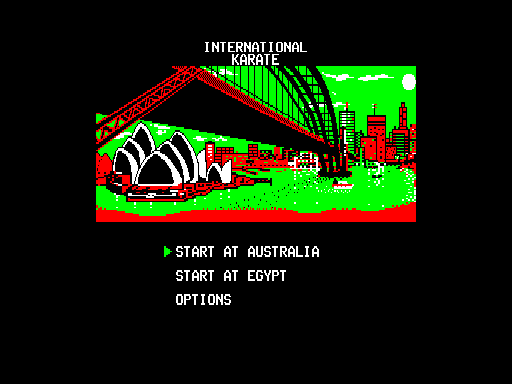
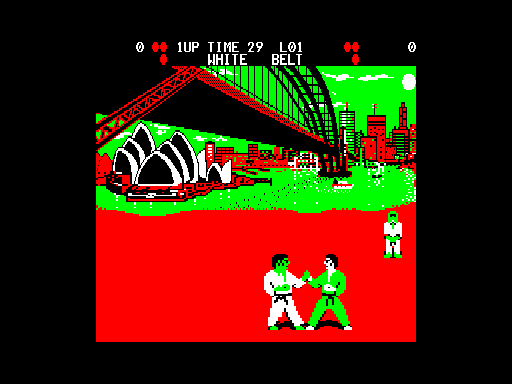
Screenshots from the Sinclair QL edition, presented in 4:3 proportions.
Edition details
Computer: Sinclair QL
Graphics: MODE 4
Screenshot configuration: sQLux, 640 KiB RAM
Formats: IMG + MDV
Included files
The ZIP contains International_Karate.img for floppy disks and International_Karate.mdv for microdrives.
Starting the game
Floppy: mount the IMG as flp1_ and run LRUN flp1_boot.
Microdrive: mount the MDV as mdv1_ and run LRUN mdv1_boot.
Wait for the title screen and start menu. Use the arrow keys to choose START AT AUSTRALIA or START AT EGYPT and confirm with Return. When the arena appears, press 1 for one player or 2 for two players.
Controls
Arrow keys or Q / A / O / P: movement.
Space together with a direction: vary the moves.
1 / 2: start a one-player or two-player game.
Return: confirm the menu selection.
Credits
Original game: System 3.
Sinclair QL edition: Outsoftware, 2026 · Claude + Code, as indicated by the loader.