Exolon
Planets, alien bases and action: Exolon joins the Outsoftware Sinclair QL collection.
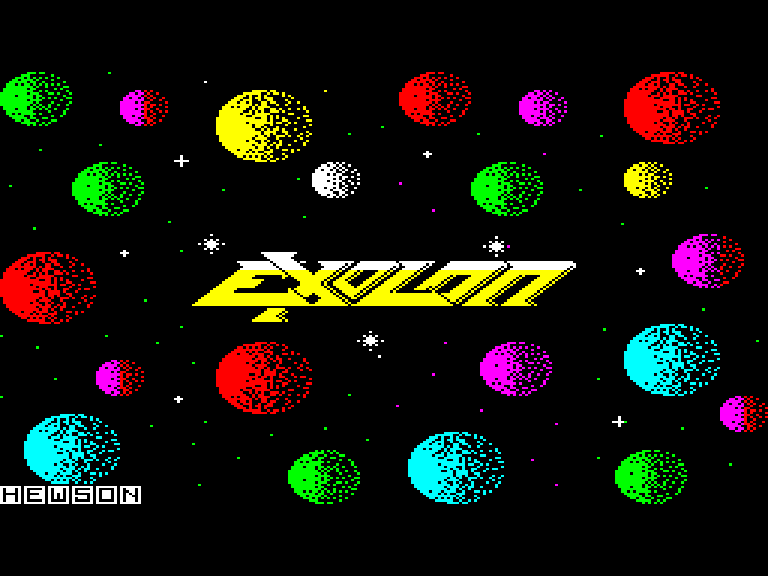
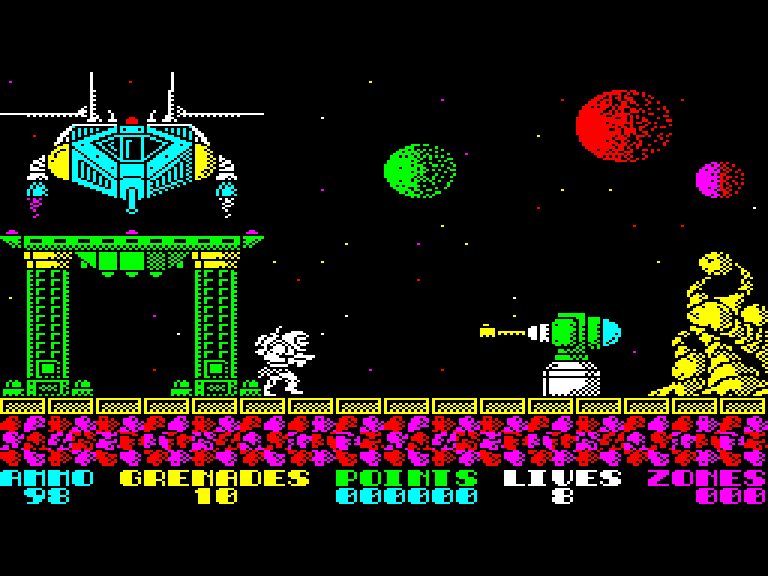
Both screens were captured from the supplied Exolon.img running in the sQLux emulator and are presented in 4:3 proportions.
The QL edition
The Outsoftware conversion includes the opening presentation and Mode 8 gameplay. The menu offers a new game, key redefinition and keyboard or joystick selection.
Computer: Sinclair QL
Included files: Exolon.img and Exolon.mdv
Formats: floppy-disk and microdrive images
Conversion: Outsoftware, 2026, with ChatGPT and Codex
Loading and controls
For the floppy edition, mount Exolon.img as flp1_ and run LRUN flp1_BOOT. The loader selects Mode 8 and starts EXOLON.
In the menu, press 1 to start, 2 to redefine keys, 3 for keyboard or 4 and 5 for the joystick options. The package preserves both original files unchanged.