Death Sword
Death Sword for Sinclair QL brings sword duels to the collection. Face your opponent, control the distance and choose when to attack.
Sinclair QL · IMG + MDV
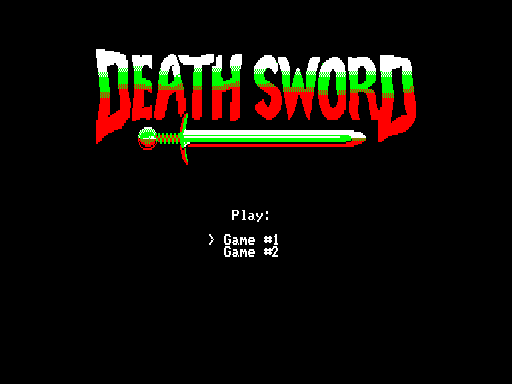
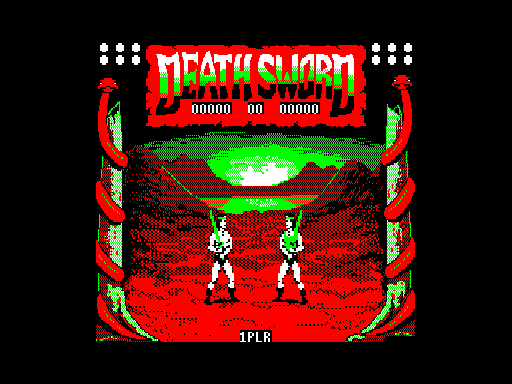
Screenshots from the Sinclair QL edition, presented in 4:3 proportions.
Edition details
Computer: Sinclair QL
Graphics: MODE 4
Screenshot configuration: sQLux, 640 KiB RAM
Formats: IMG + MDV
Included files
The ZIP contains Death_Sword.img for floppy disks and Death_Sword.mdv for microdrives.
Starting the game
Floppy: mount the IMG as flp1_ and run LRUN flp1_boot.
Microdrive: mount the MDV as mdv1_ and run LRUN mdv1_boot.
Press Return to move from the credits to the menu with the logo. Confirm Game #1 with Return; when the arena appears, press Space to start the game.
Starting controls
Return: opens the menu and confirms the selection.
Space: starts the game from the opening demonstration.
Credits
Credits on the title screen: © Palace Software 1988 · IBM version by Designer Software.
Sinclair QL edition: Outsoftware, 2026 · Claude + Code, as indicated by the loader.