Carrier Command
Command the carrier and its units in Carrier Command for the Sinclair QL. Choose the strategy game or head straight into the action among the islands.
Sinclair QL · 896 KB · IMG + HDD · ZIP
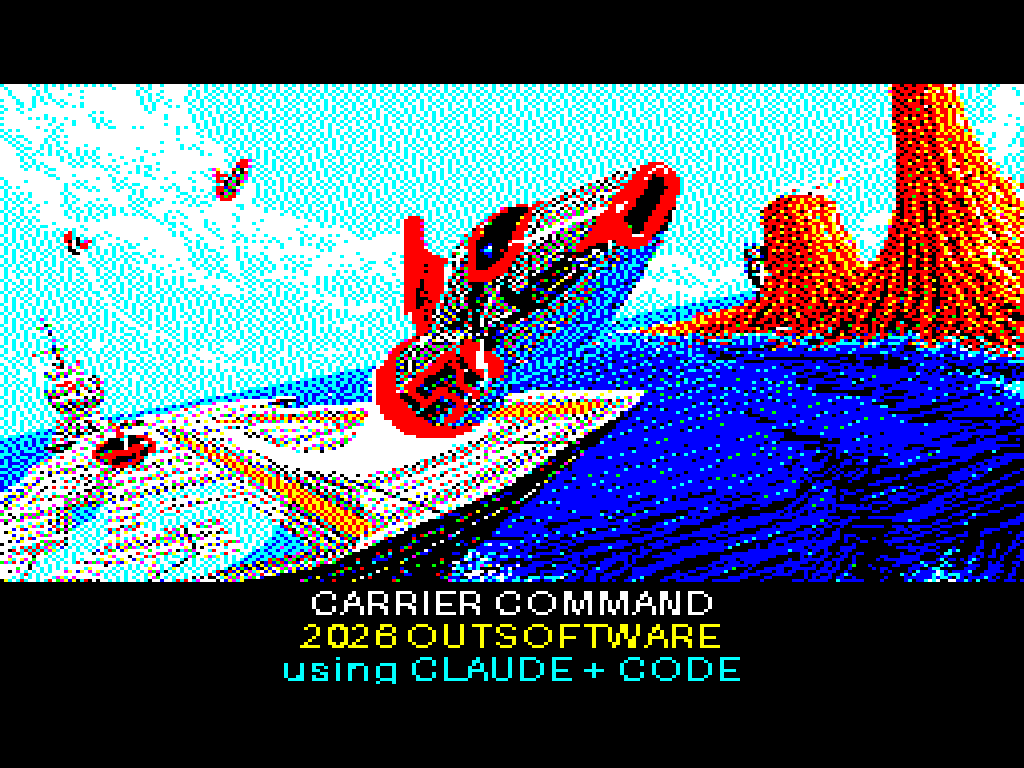
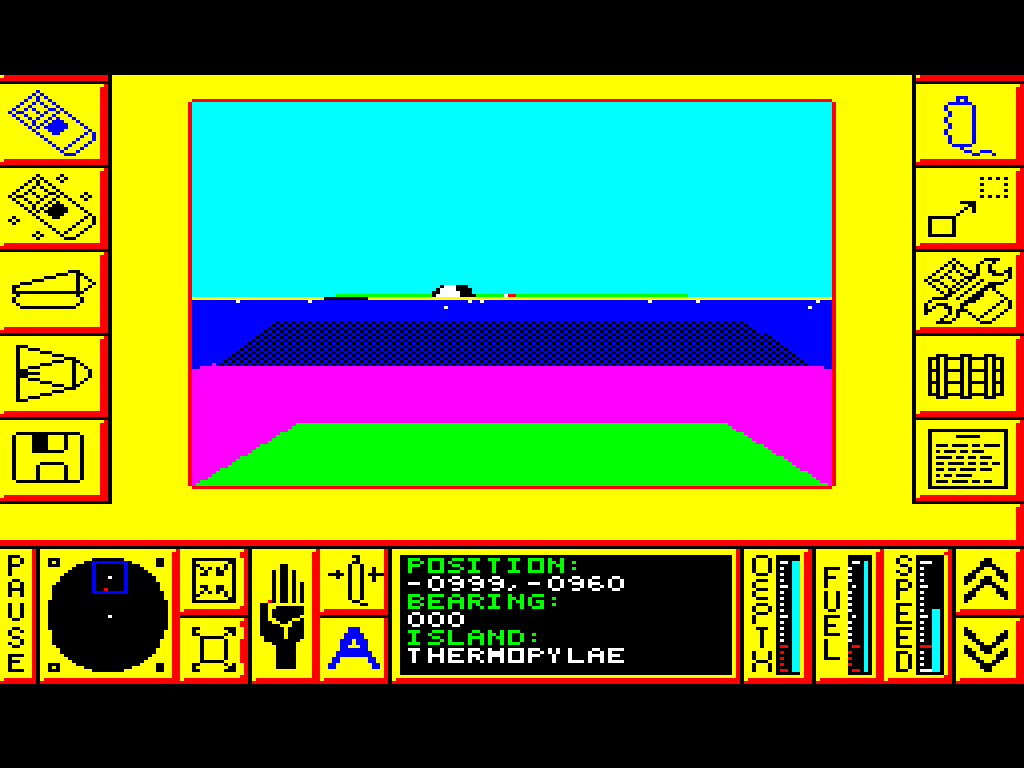
Screens from the Sinclair QL edition, presented in 4:3 proportions.
Edition details
Computer: Sinclair QL
Required memory: 896 KB of total RAM, as stated by the loader.
Versions: 720 KiB IMG floppy image and files for a WIN1 hard disk.
One ZIP contains both versions. The hard-disk package is included inside the main archive.
Startup and controls
Floppy: mount Carrier_Command.img as flp1_ and run LRUN flp1_boot.
Hard disk: extract the HDD ZIP, copy its four files to the win1_ directory and run LRUN win1_boot.
At startup, choose a language: 1 English, 2 German or 3 French.
Arrow keys: move the pointer.
Space: select the indicated option or icon. Choose Start Strategy Game or Start Action Game from the menu.
Saved games: the game uses the files carrier_sv1–carrier_sv4 on the drive or in the folder from which it was loaded.
Credits
The menu credits Realtime Games Software Ltd as the developer and Rainbird Software as the publisher of the original game.
The QL edition’s loading screen displays 2026 OUTSOFTWARE and using CLAUDE + CODE.