Bruce Lee
Martial arts and platform action: Bruce Lee joins the Outsoftware Sinclair QL collection.
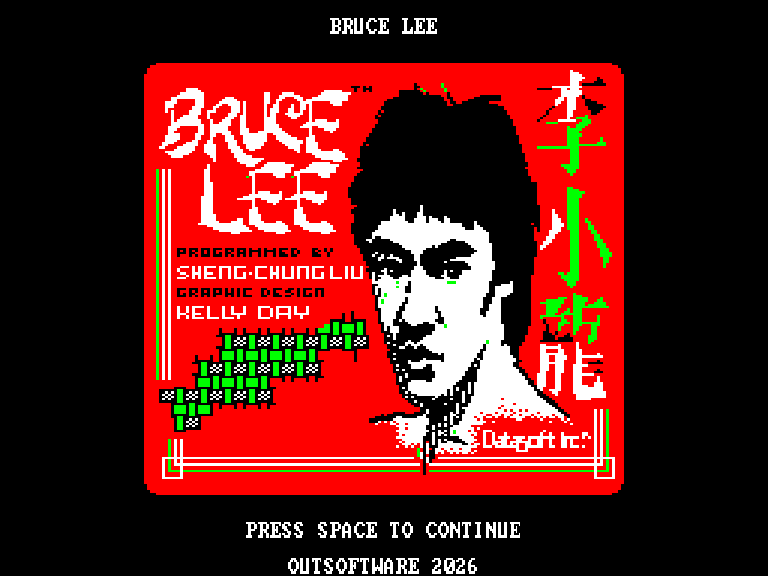
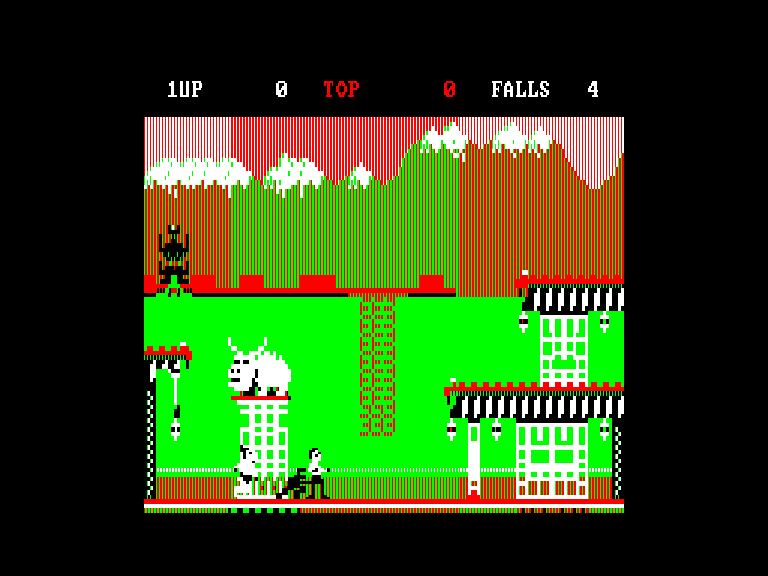
Both screens were captured from the supplied Bruce_Lee.img running in the sQLux emulator and are presented in 4:3 proportions.
The QL edition
The Outsoftware conversion includes the illustrated opening screen, selection menu and Mode 4 gameplay. The package keeps the floppy image and microdrive cartridge together, without changing the original files.
Computer: Sinclair QL
Graphics: Mode 4
RAM listed in the readme: 640 KiB
Included files: Bruce_Lee.img and Bruce_Lee.mdv
The readme on the disk identifies this edition as N15, a development build.
Loading and controls
Floppy: mount Bruce_Lee.img as flp1_ and run LRUN flp1_boot_flp. Microdrive: insert Bruce_Lee.mdv in mdv1_ and run LRUN mdv1_boot.
Press Space on the opening screen to reach the menu. A, B, C and D select the game type; K selects the keyboard and J cycles the joysticks. Press Space again to start.
Use QAOP or the cursor keys to move. Up plus a direction jumps; Space while standing punches, while a direction plus Space performs the running kick. S toggles sound effects and Ctrl+Q returns to the menu.