OUTSOFTWARE / REAL HARDWARE TESTING AND COMMUNICATION
Test hardware and online connections
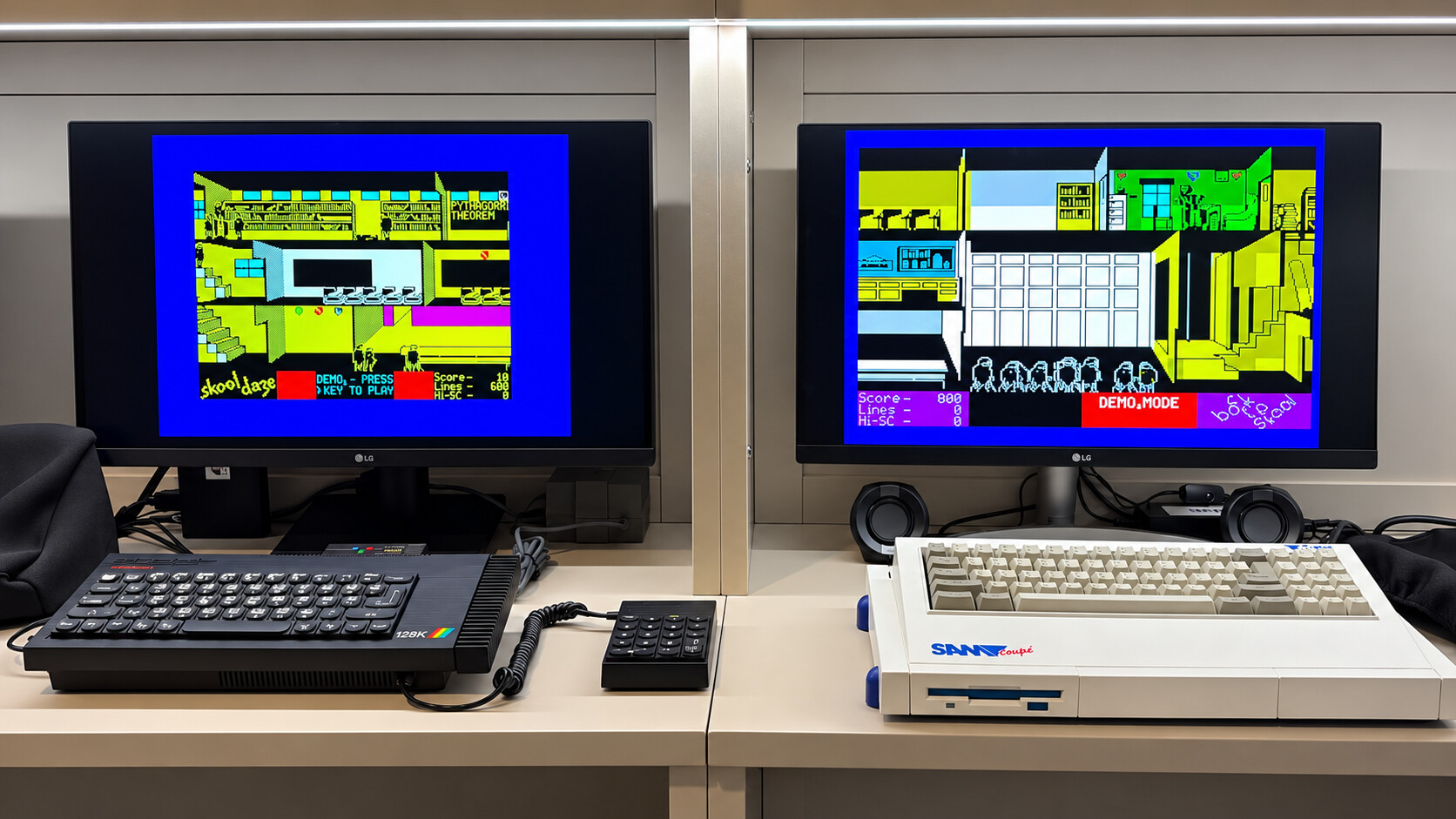
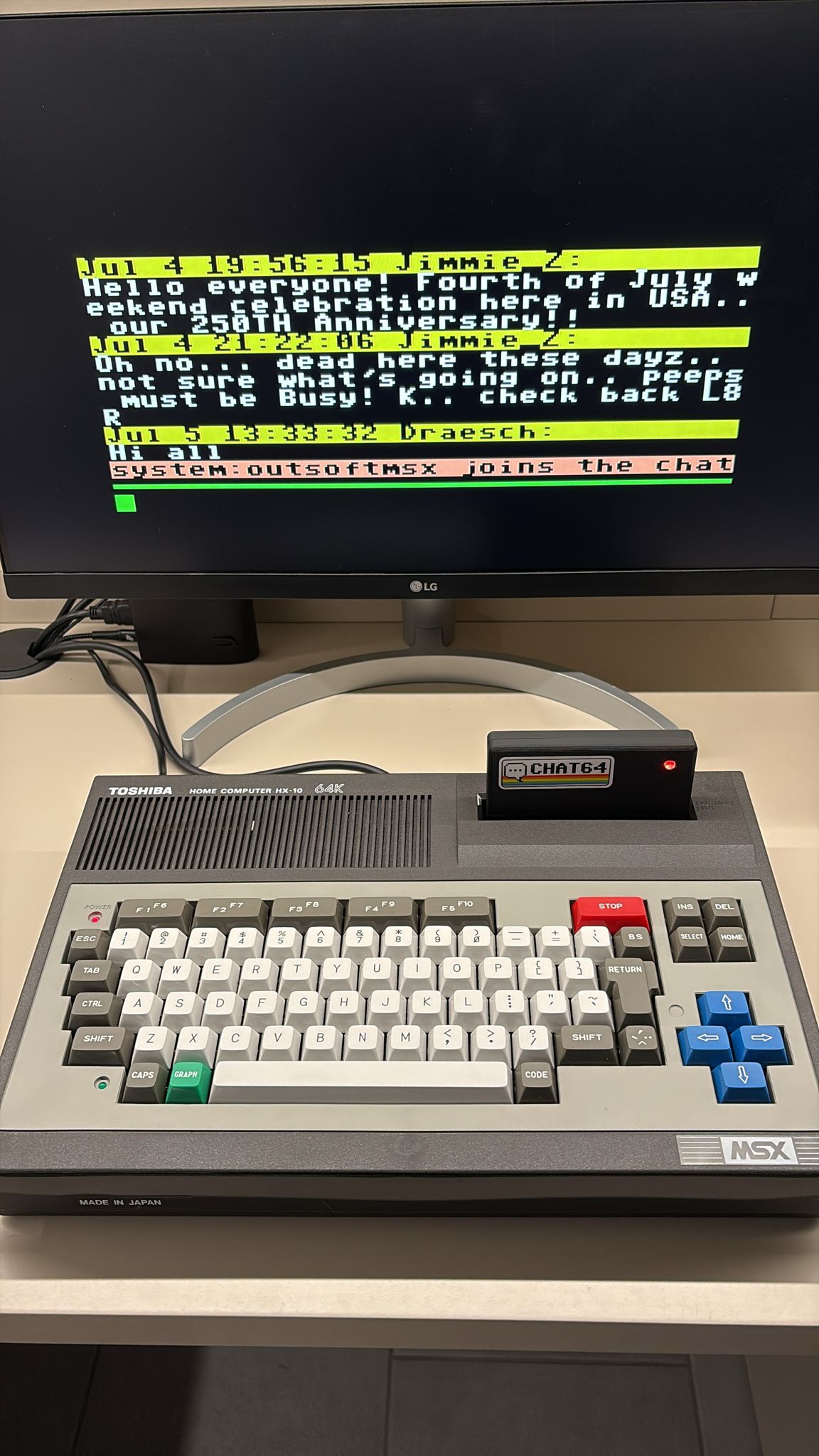
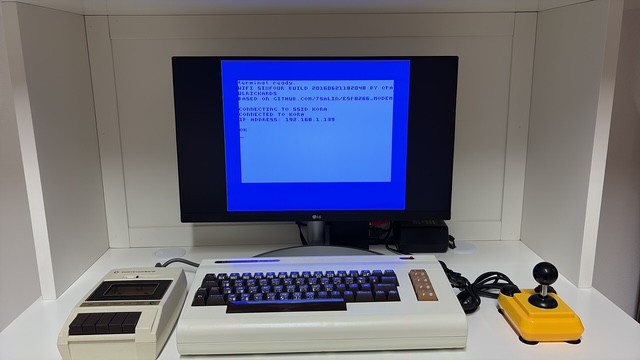
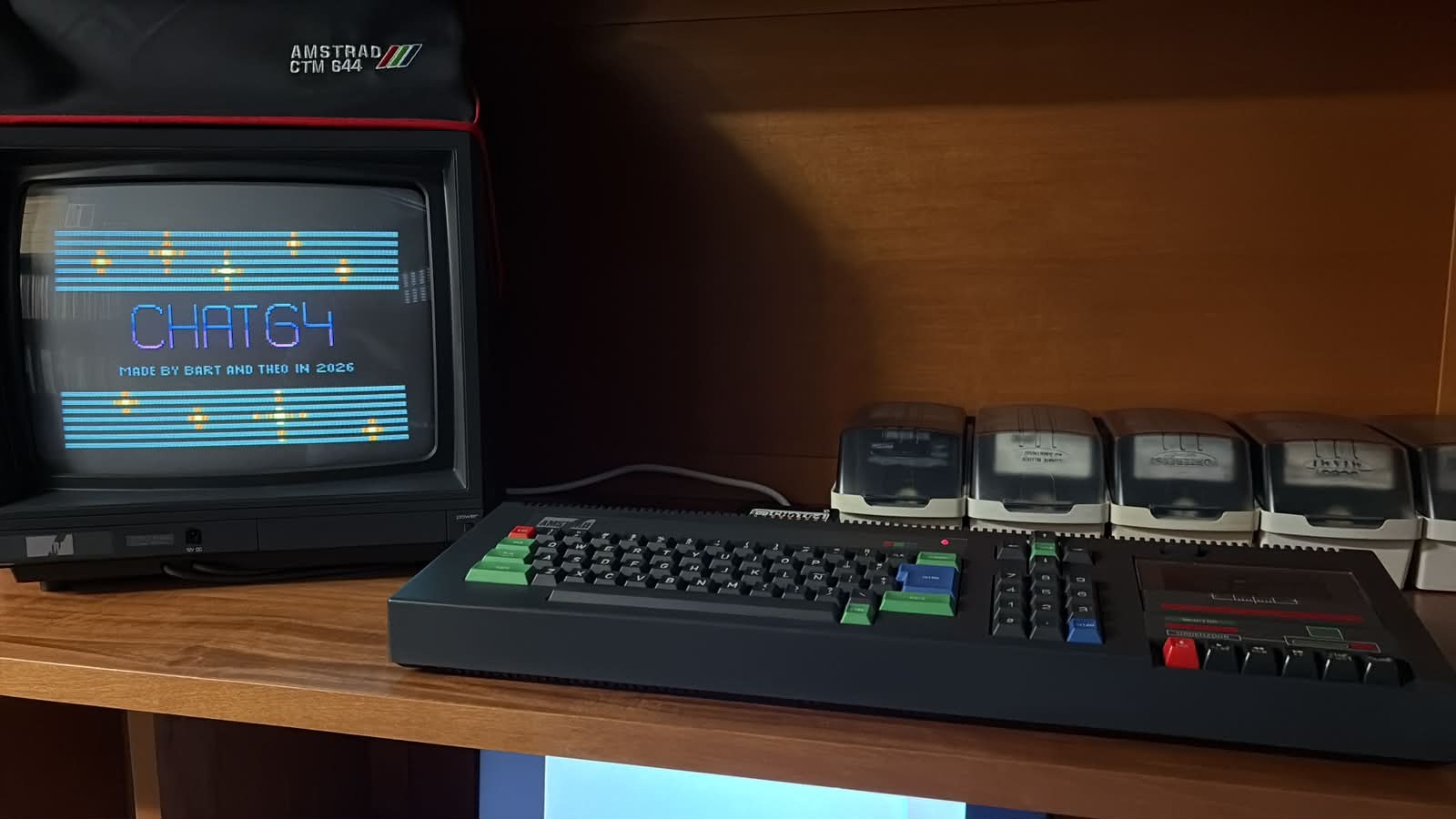
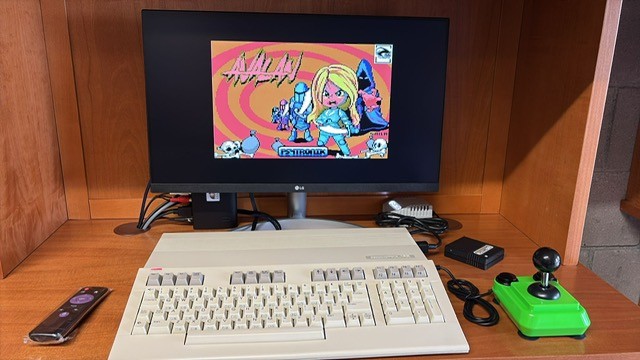
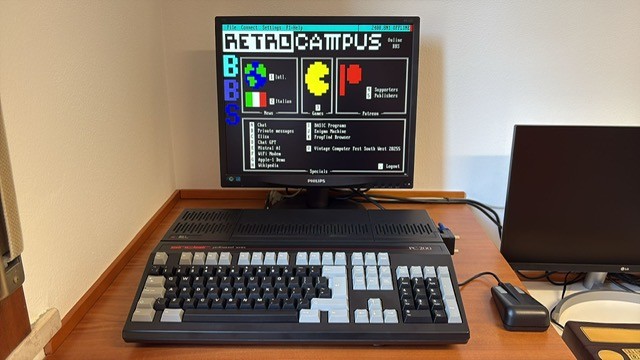
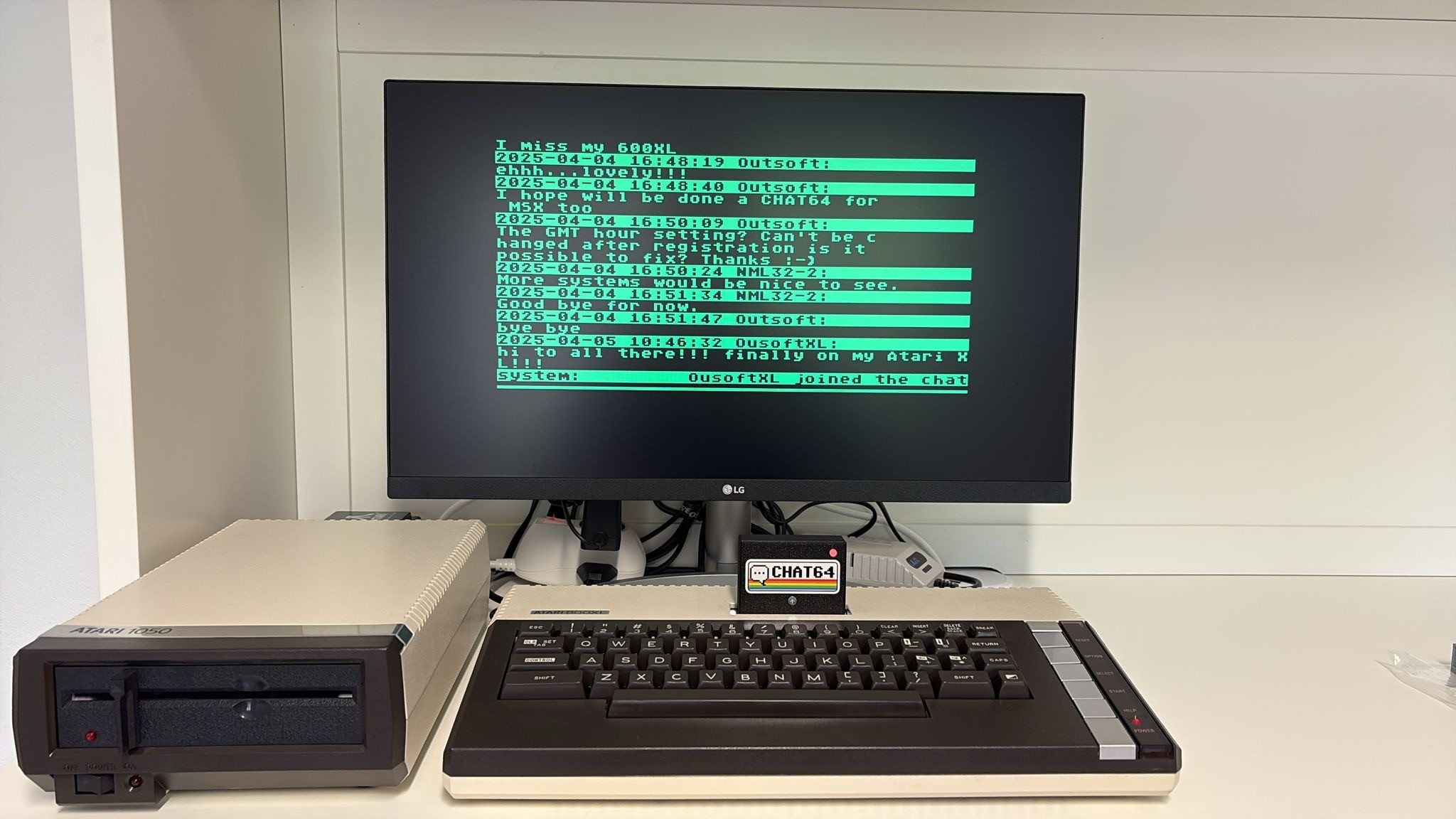
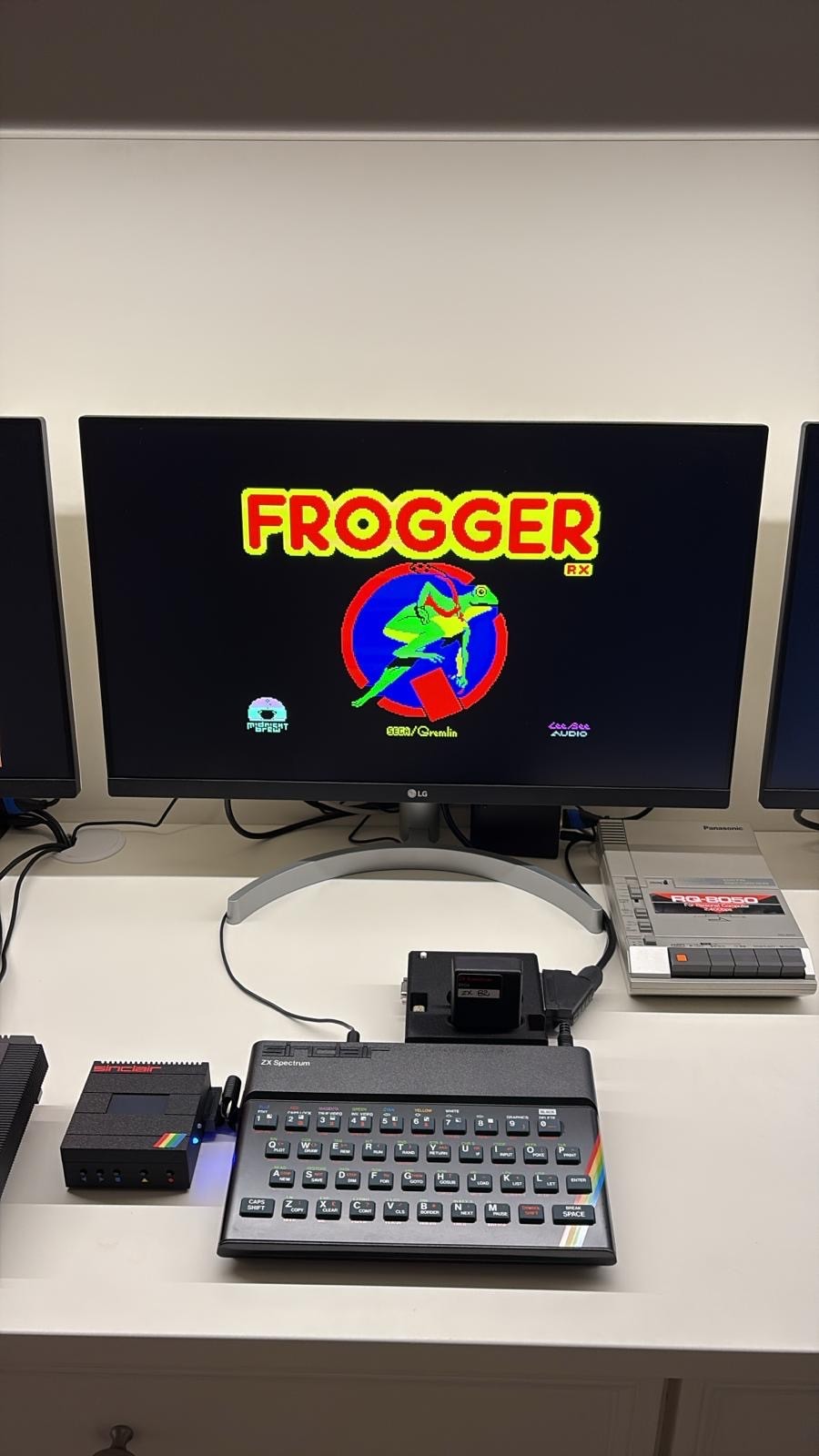
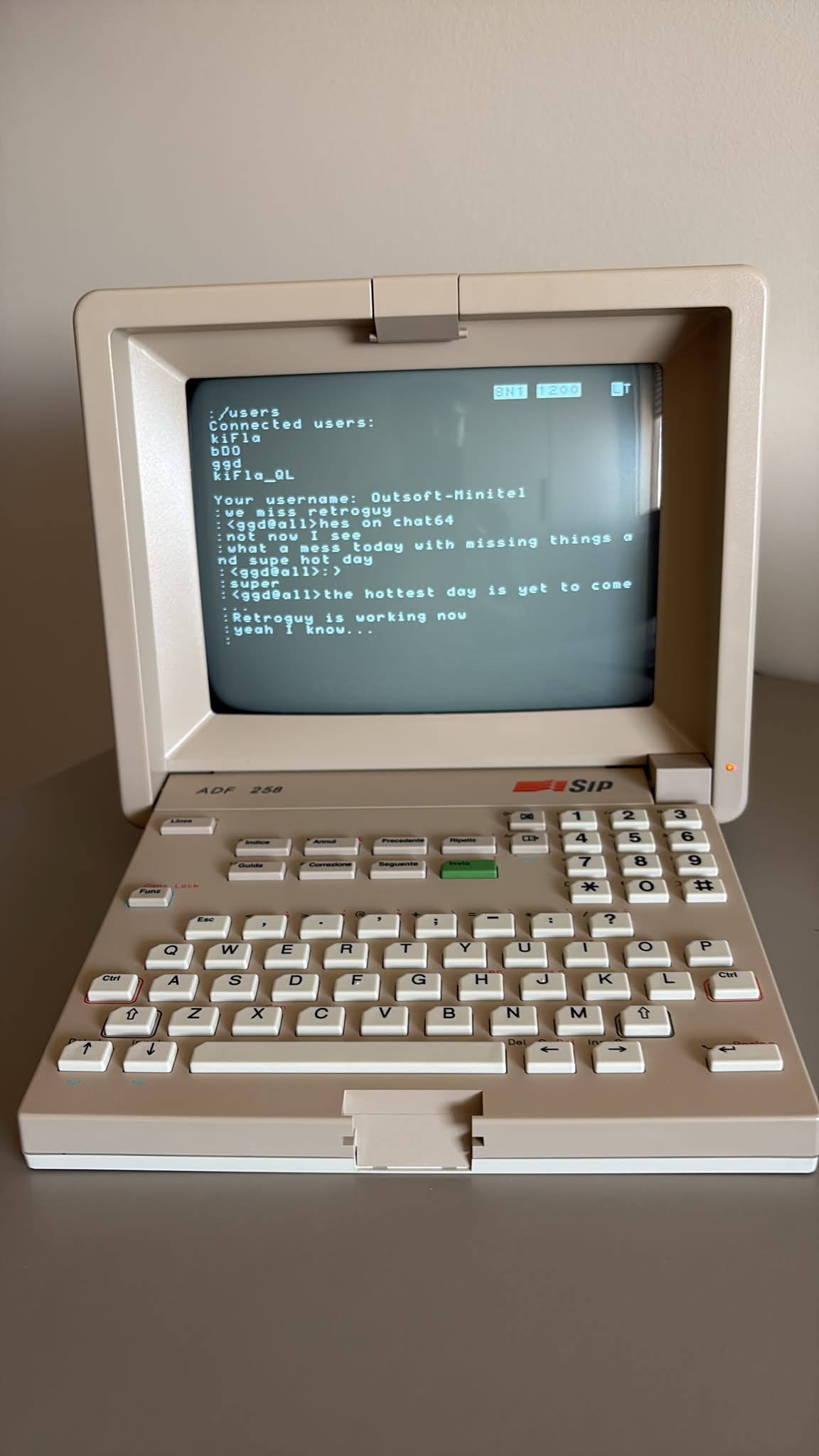
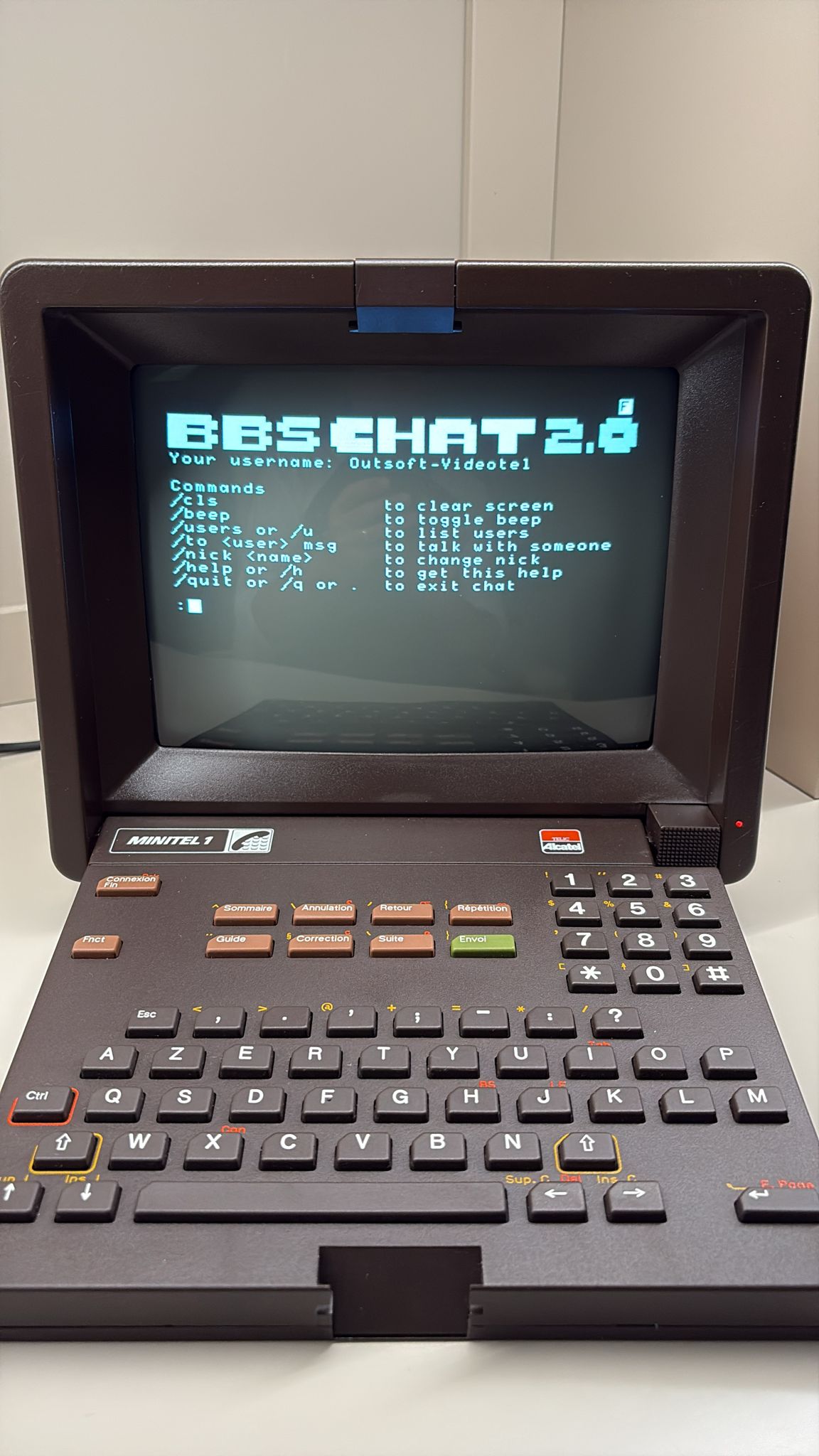
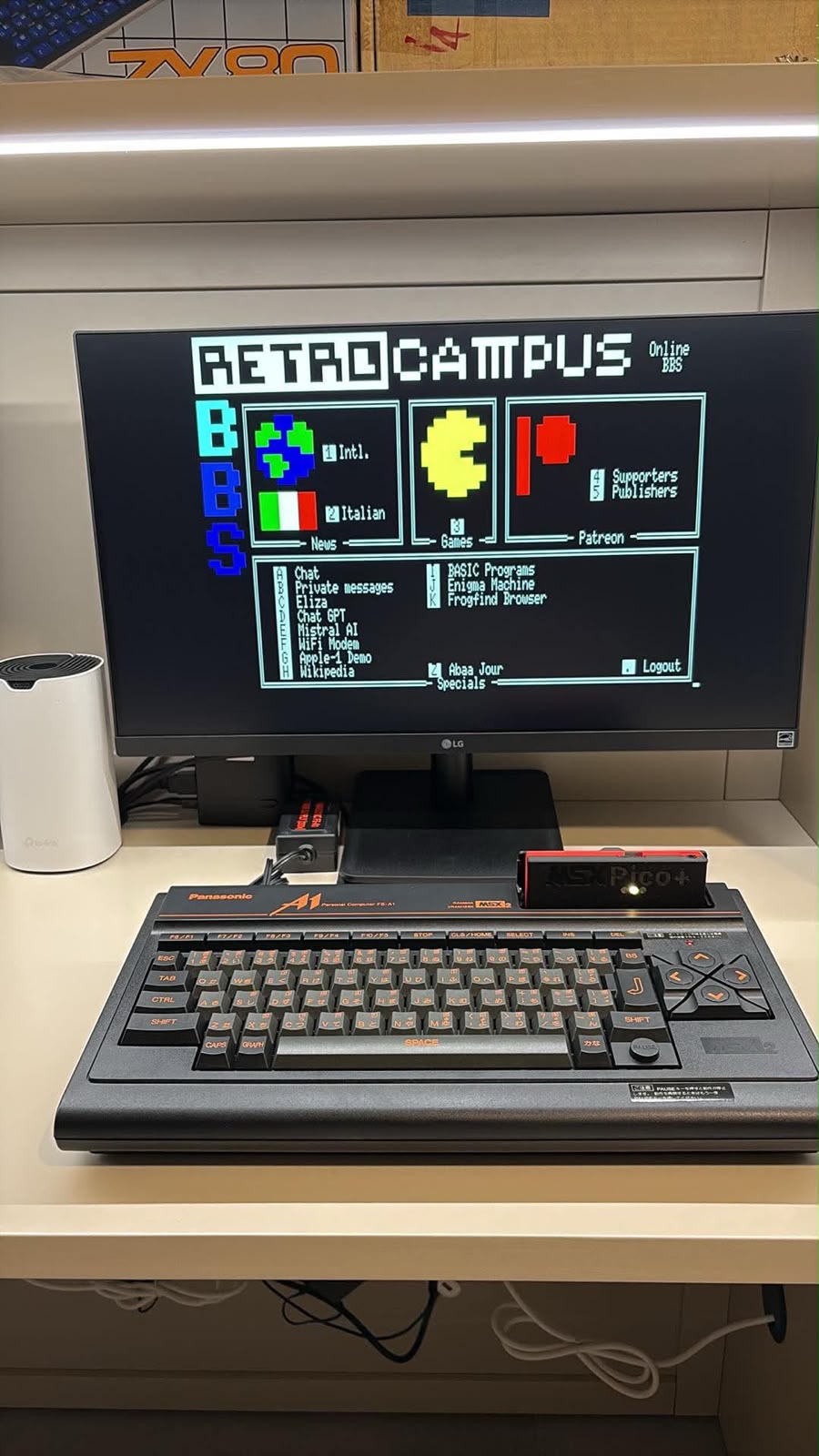
Our workstations complement development and complete emulator tests with checks on real machines and support from human beta testers. We also use them to communicate online: the photographs show the Retrocampus BBS, Chat64 and terminals such as Minitel and Videotel.
From the emulator to the real machine
Development and complete tests
In an emulator, AI tests every level through to completion in the configurations used for testing. These tests take time and are documented with video recordings.
Hardware checks
Checks on original computers and human beta testing help identify differences in ROMs, loading, controls and machine behaviour.
Fixes and further checks
When a problem appears, we reproduce it, work on a fix and publish the updated file.
Games, chat and online connections
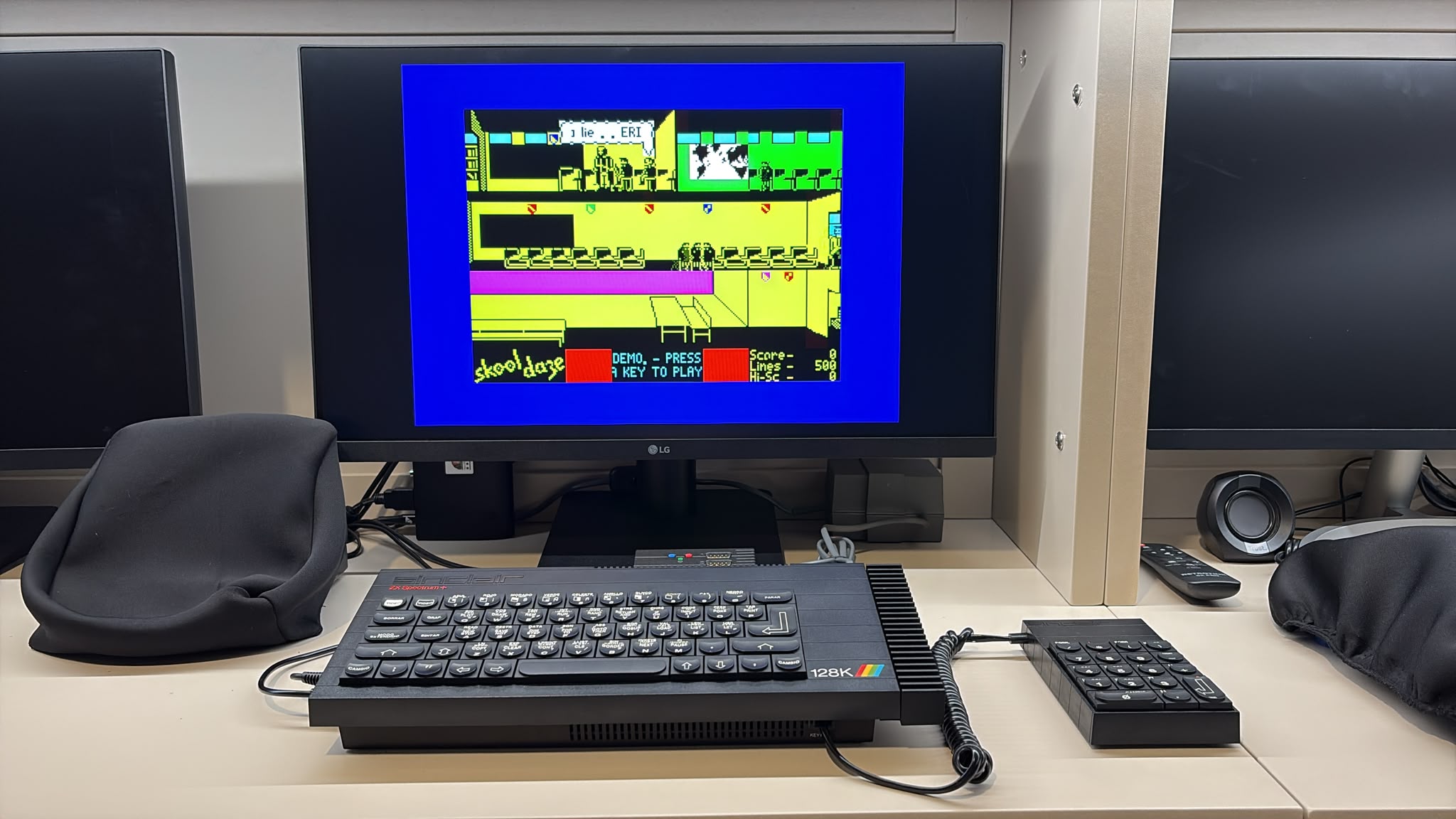
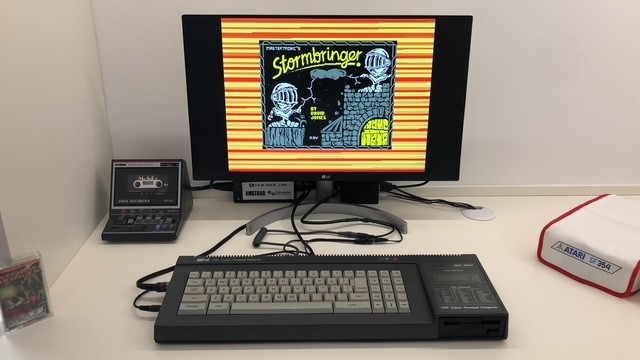
Computers, displays and peripherals actually in use. Some photographs show games running; others document communication with the outside world, including Retrocampus BBS screens, chat through Chat64 and terminal connections.
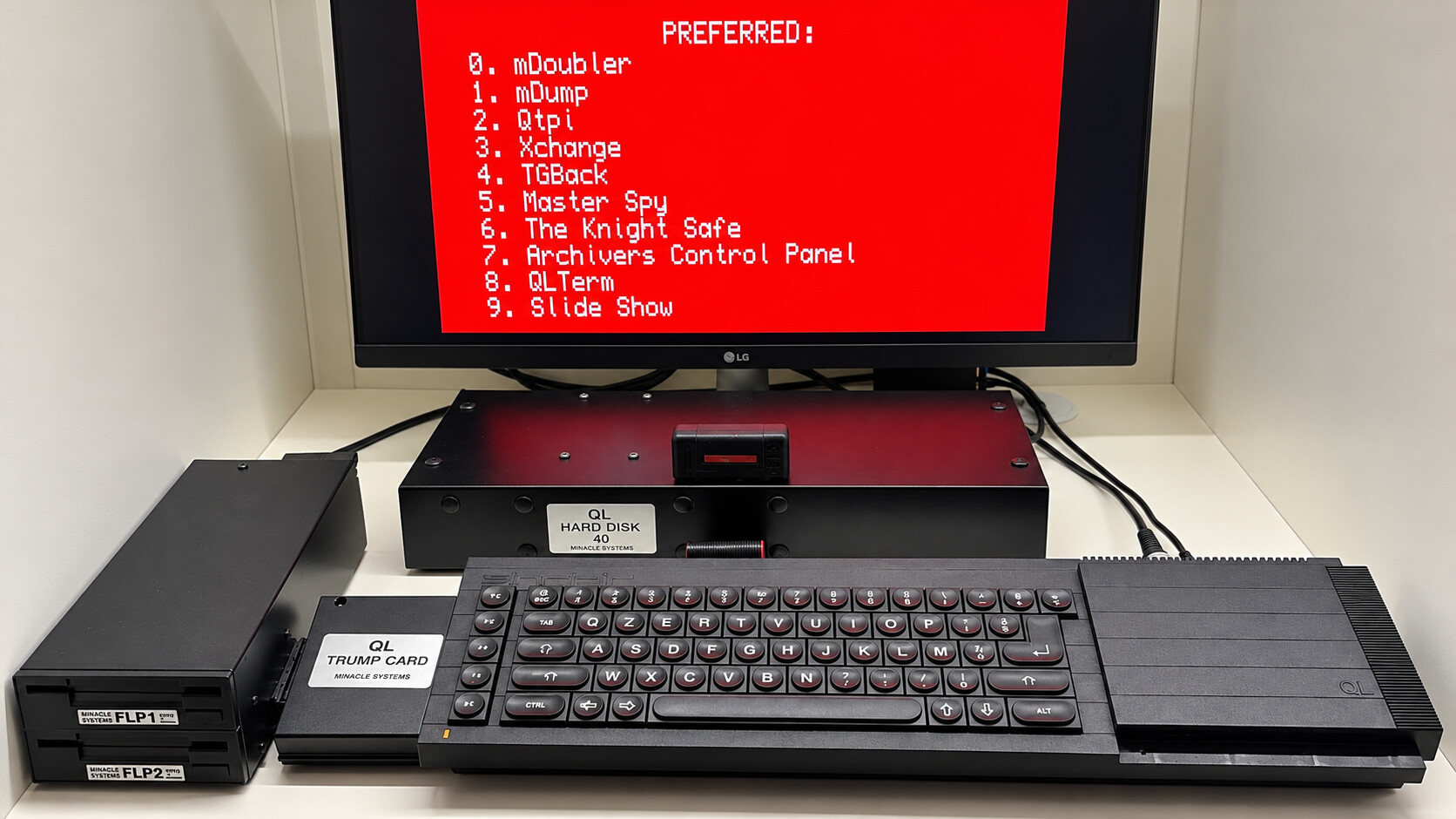
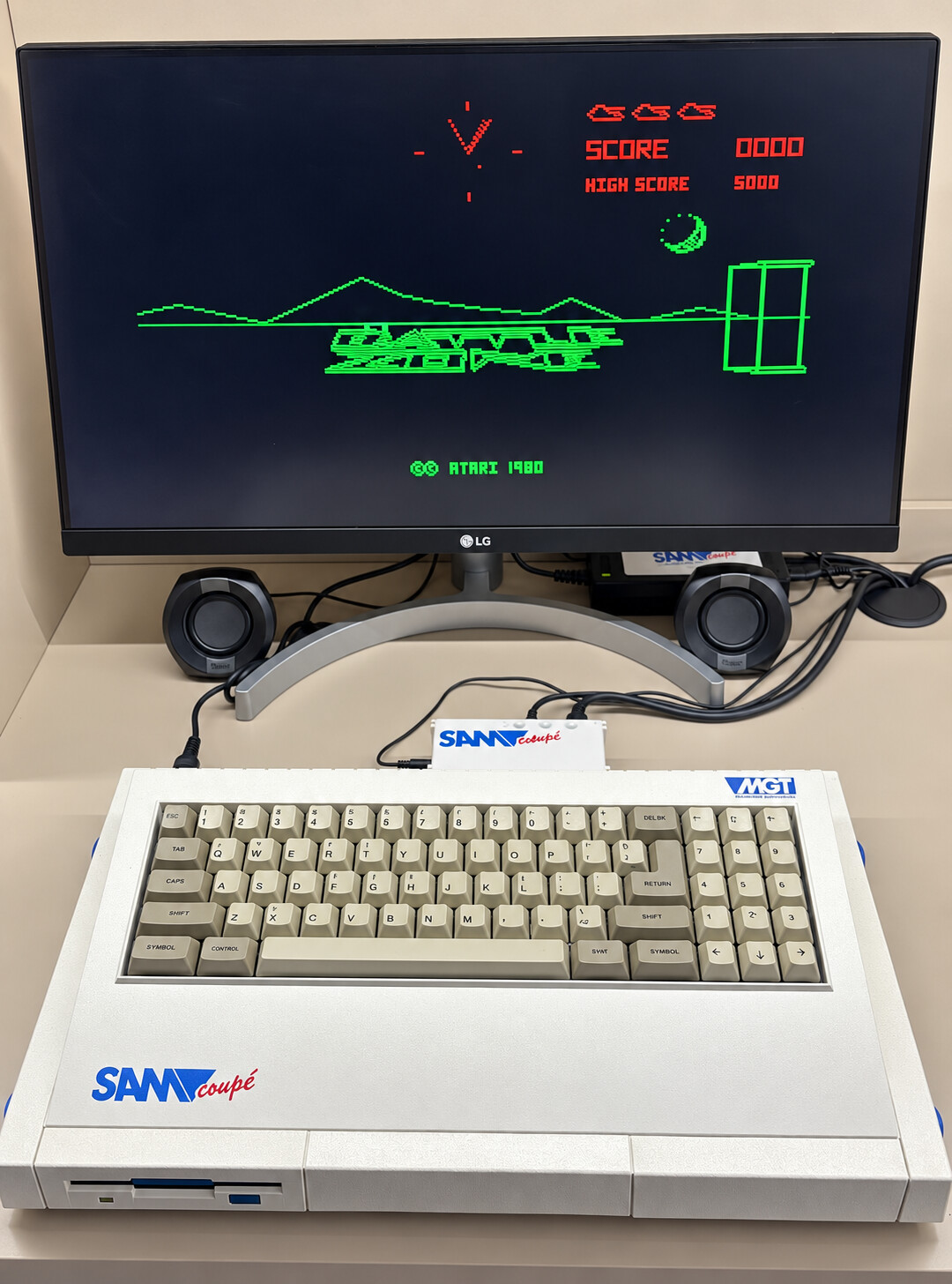
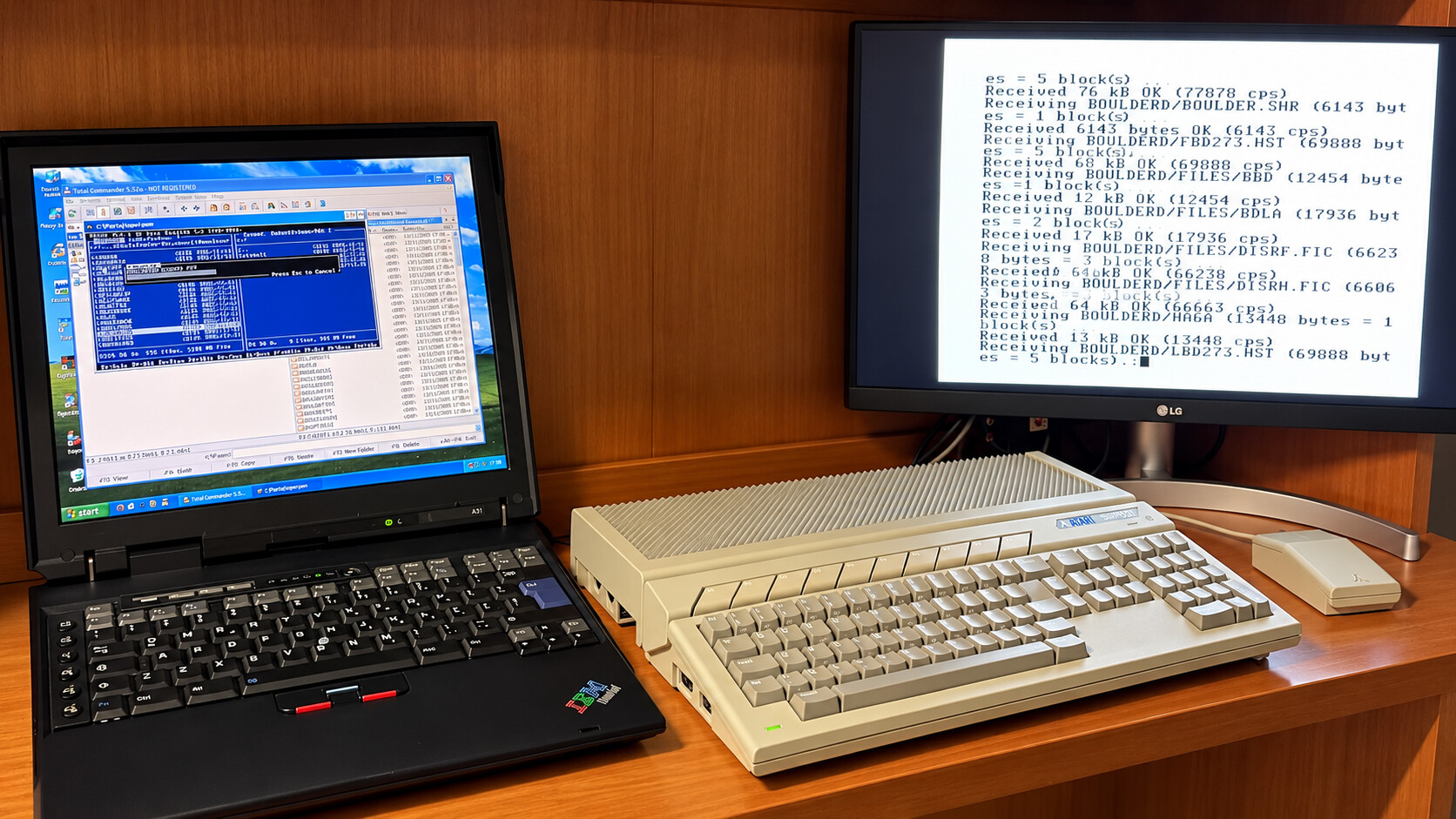
Atari Falcon
An Atari Falcon workstation beside the PC used to prepare and transfer files.
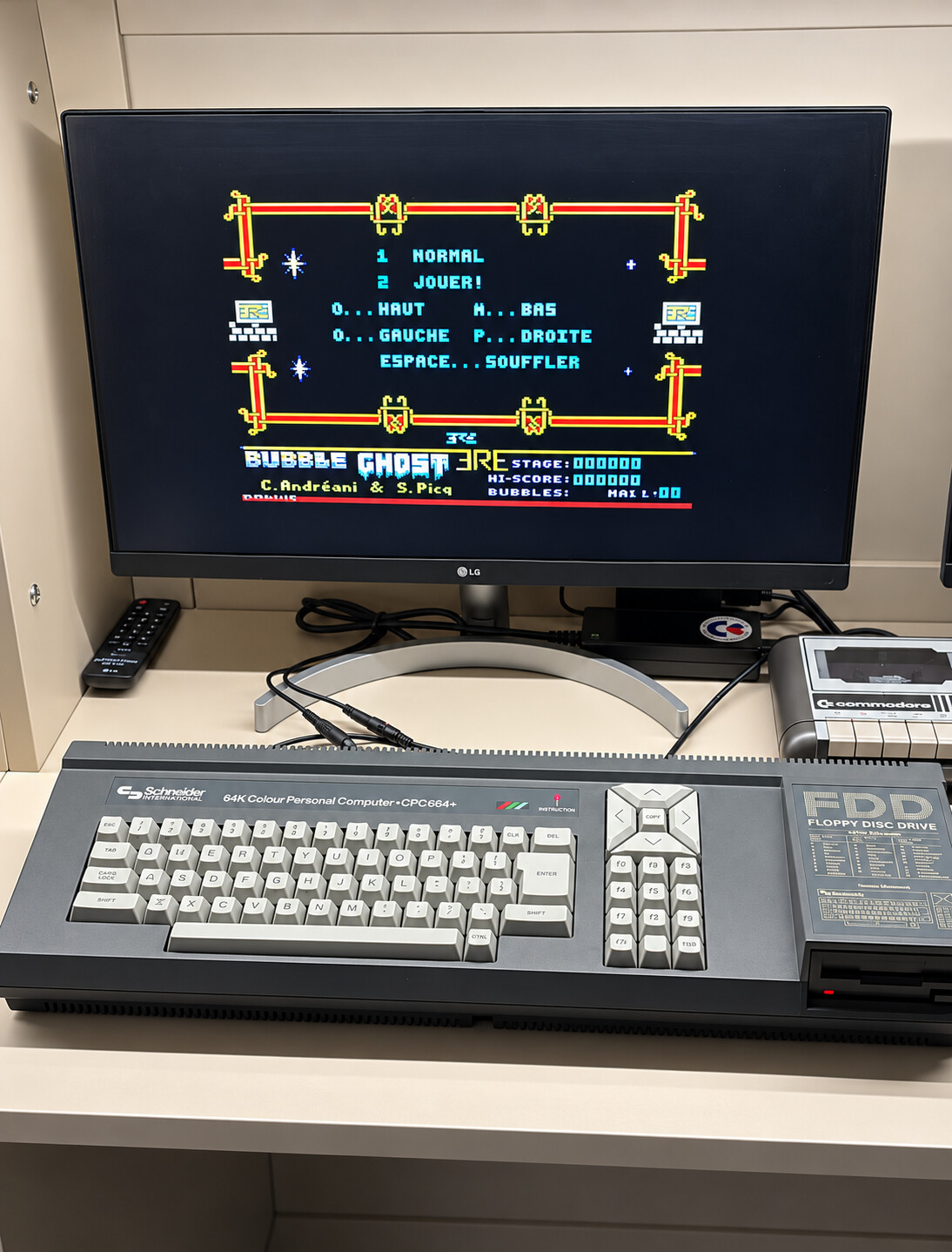
Amstrad CPC
A Schneider CPC664 with its built-in disk drive and a game screen.
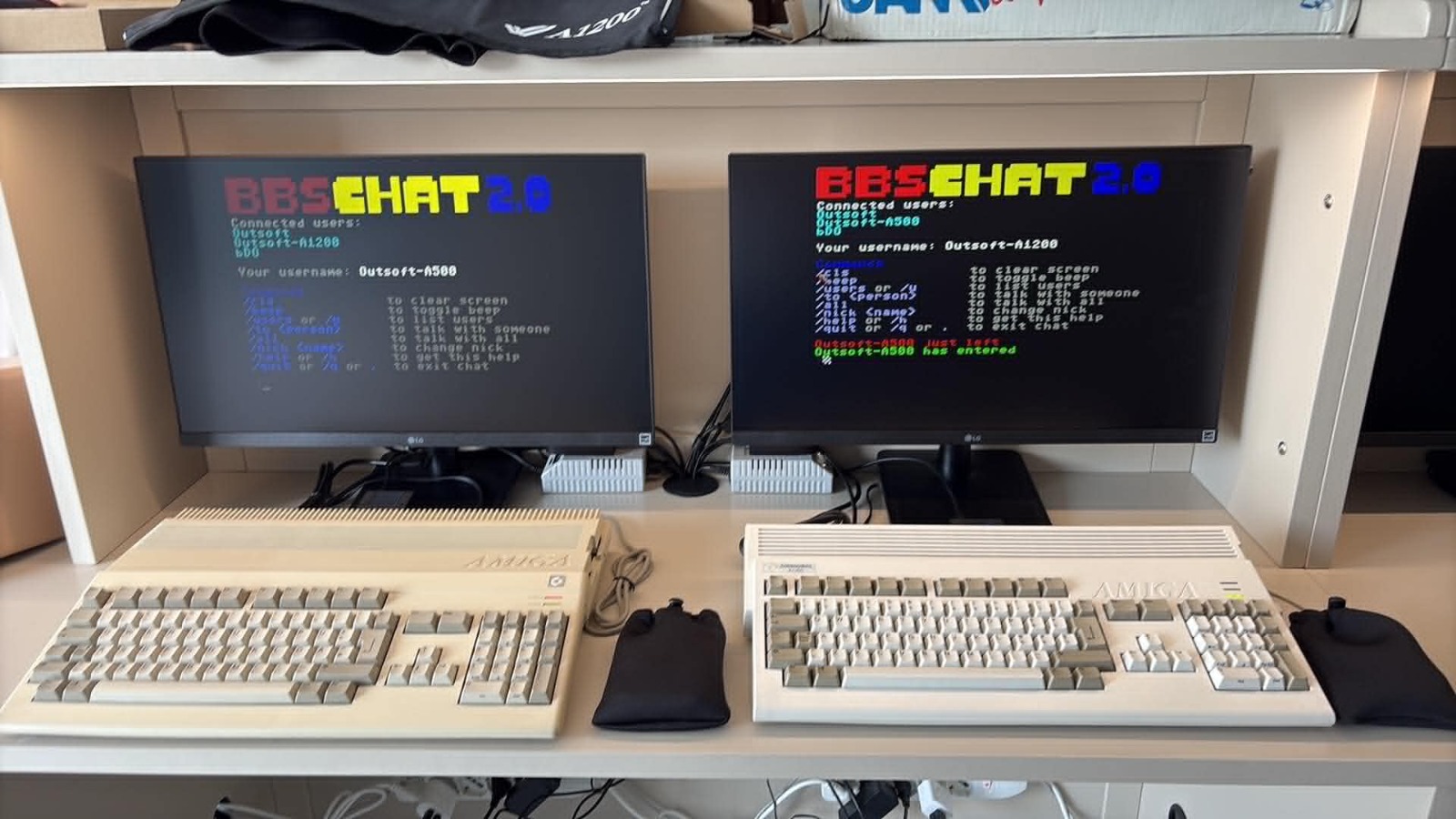
Amiga 500 and Amiga 1200
Amiga 500 on the left and Amiga 1200 on the right: workstations powered on for connection and chat checks.
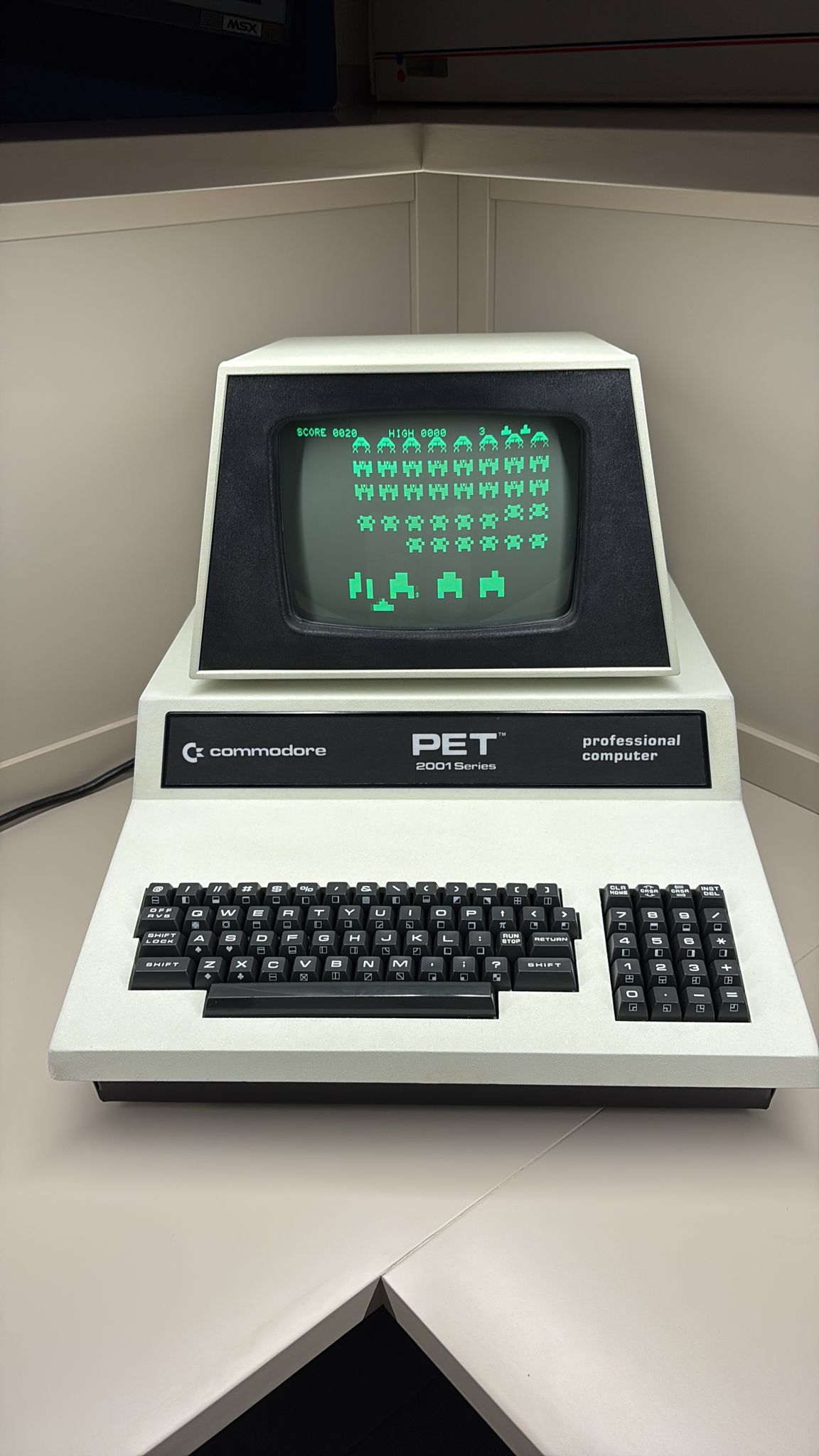
More workstations and terminals · 12 photos
Other computers and terminals in the workshop, with examples of game checks, chat and online connections. Minitel and Videotel also show how terminals are used for communication with the outside world.
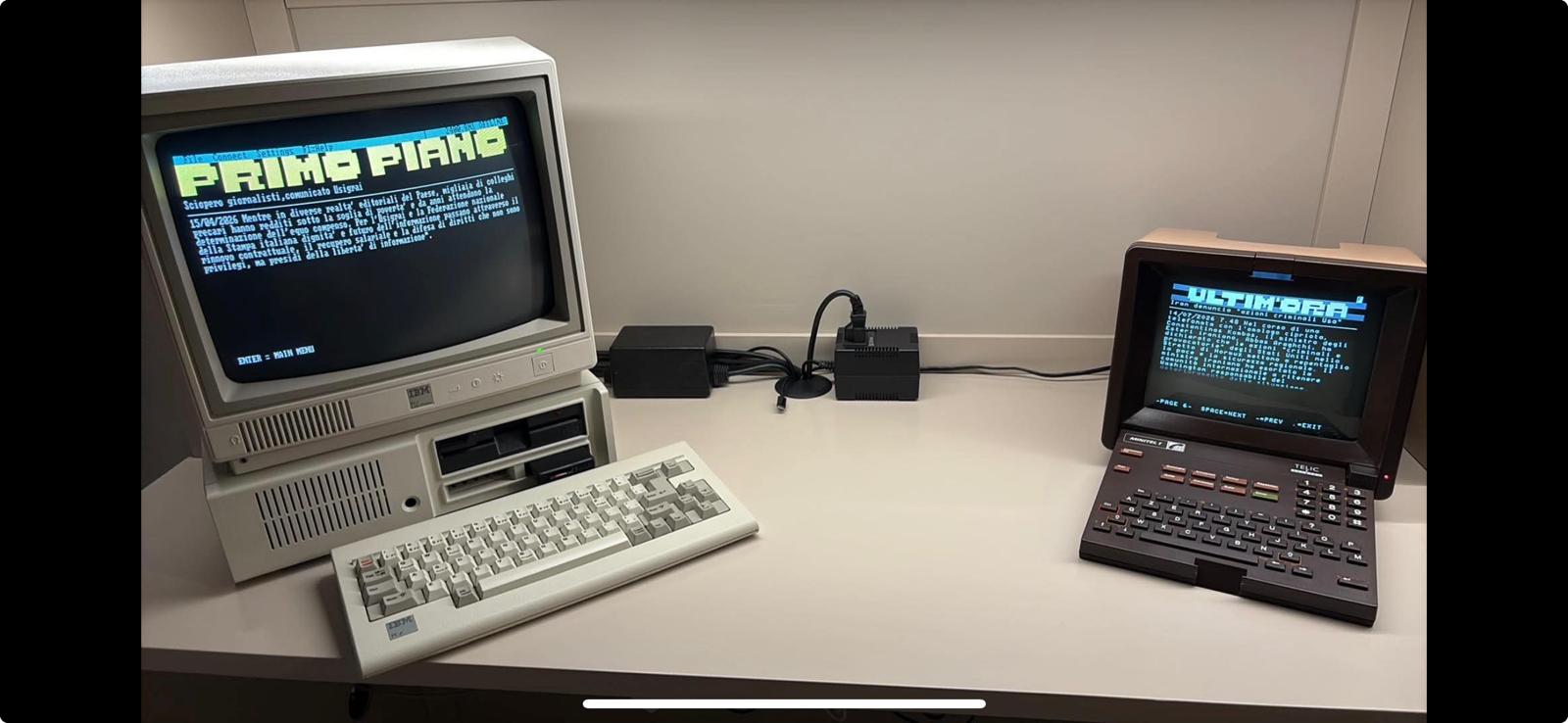
IBM PC Junior · Minitel
IBM PC Junior and Minitel side by side for online connection checks.
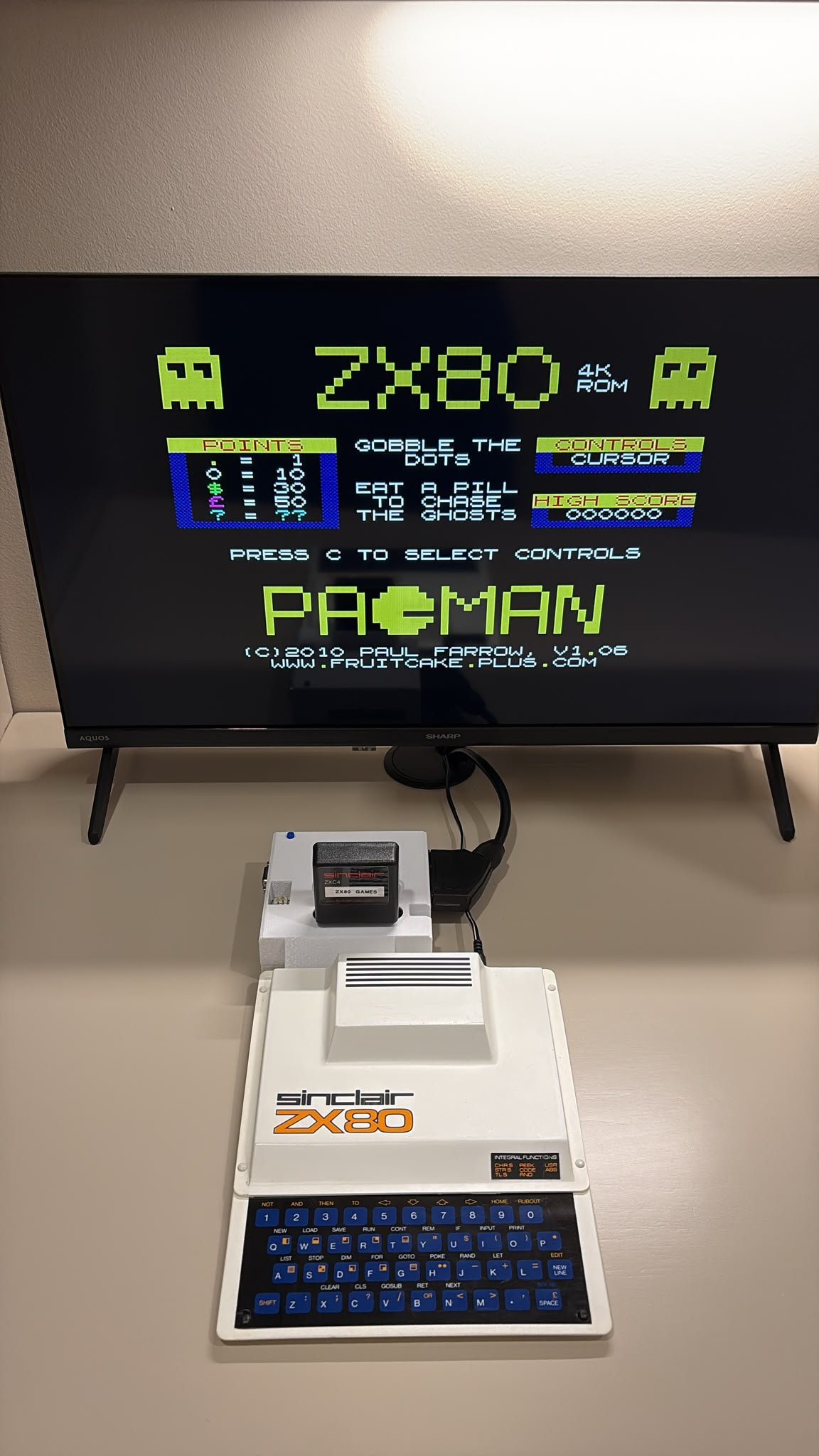
The main images have been cropped and retouched for presentation. The original photographs can also be opened.
Found a problem?
A report with the game title, file used, computer model, ROM and steps to reproduce the problem helps us address it.
Report a bug